
A user agent switcher is a browser extension, or a setting already built into your browser, that rewrites one line of text sent with every HTTP request. That line is the User-Agent header, a self-description: the browser telling the server what it claims to be. Below: a real Chrome UA string taken apart segment by segment, four ways to change it without installing anything, plus what an extension adds on top, and a list of what stays the same afterward. Front-end developers checking a responsive layout and QA engineers reproducing a server-side redirect want the practical part. So does anyone who installed a switcher, got flagged anyway, and wants the reason: you changed one string, and the site was reading several dozen parameters in parallel.
What a User-Agent String Actually Says About You
Here is a typical string sent by Chrome on 64-bit Windows:
Mozilla/5.0 (Windows NT 10.0; Win64; x64) AppleWebKit/537.36 (KHTML, like Gecko) Chrome/151.0.0.0 Safari/537.36
Five segments, each with a job:
| Segment | What it means |
| Mozilla/5.0 | A historical artifact. Every browser still says it. |
| Windows NT 10.0; Win64; x64 | The claimed operating system and architecture |
| AppleWebKit/537.36 (KHTML, like Gecko) | The claimed rendering engine lineage |
| Chrome/151.0.0.0 | The claimed browser and version |
| Safari/537.36 | A compatibility token kept for legacy sniffing scripts |
The Mozilla/5.0 prefix is a leftover from the browser wars of the 1990s. Servers of that era checked for “Mozilla” before serving frames, so every competing browser started claiming to be Mozilla rather than be handed a stripped-down page. Nobody ever cleaned it up. Blink and WebKit browsers still open with it, and still carry a trailing Safari token for the same reason.
Three groups of software read the header. Servers decide which markup to return. Analytics platforms bucket sessions by browser and OS. Anti-fraud systems treat it as one input among many, mostly checking whether it agrees with everything else they measured.
To read your own string in Chrome, open DevTools with F12, switch to the Console tab and enter navigator.userAgent. The Network tab shows the same value under the request headers of any loaded resource.
What a User Agent Switcher Does Well (Legitimate Uses)
For a large set of everyday jobs, a UA switcher is the correct tool and nothing heavier is needed.
Responsive design testing is the obvious case. Plenty of sites still branch on the User-Agent server-side rather than on a media query, so the mobile layout never reaches your desktop browser no matter how far you drag the window. Switch the UA to an iPhone or Android string, reload, and the server hands you the mobile template. Now you can see what breaks in it.
Legacy browser checks are the same story. Some banking portals, university systems and older enterprise tools refuse to load unless the UA matches a version list written years ago. Overriding the string gets you past a check with no security value.
Diagnostics benefit too. To learn which variant of a page a CDN or a detection layer returns to each client, change the UA and compare responses. Developers and QA engineers make up most of the people searching for this topic, and for their work the tool 👍 does its job completely.
How to Change Your User Agent — Four Ways, Two Minutes
Chrome and Edge DevTools (Network Conditions)
Open DevTools (F12), then open its command menu with Ctrl+Shift+P (Cmd+Shift+P on macOS) and search there for the panel that controls network conditions. Searching by function is the durable route: labels move between versions, the command menu still finds them. In that panel, turn off the option that keeps the browser’s own user agent, then pick a preset or paste a custom string. The override applies to the current tab and holds while DevTools stays open. Device mode (Ctrl+Shift+M) does the same and emulates the viewport on top.
Firefox (about:config)
Type about:config into the address bar and accept the warning. Search for the user agent override preference; if your build does not carry it yet, create it as a String and set your value. This route is browser-wide and persistent, so clear the preference when testing is done. Firefox DevTools also has a Responsive Design Mode with its own device presets.
Safari (Develop Menu)
Safari keeps the switcher inside its developer tooling, so the first step is to turn on the developer features in Safari’s advanced settings. Once the Develop menu appears in the menu bar, it carries a user agent entry with a list of presets and an option to type your own string.
Launch Flag and Command Line
Chrome accepts a flag at startup: chrome –user-agent=”your string here”. Outside the browser, curl takes -A: curl -A “your string here” example.test. Scripts and CI pipelines go this route, and unlike menu paths it does not drift between releases. Wherever a label in the sections above does not match what you see, look for the setting by what it does rather than by its name — browsers rename these controls more often than they move them.
Browser Extensions
What an extension adds is convenience: saved profiles, per-domain rules, automatic switching, randomization on each request. If you switch strings dozens of times a day, that convenience is real. It changes nothing about what the string does.
User Agent Spoofing: The Same Job, Harsher Name
Developers call it switching; anti-fraud writing calls it user agent spoofing, and a Chrome user agent spoofer is the same tool as a UA switcher. The label tracks the motive, not the software. Spoofing a UA to render a mobile template is engineering work; spoofing it to look like another person produces the contradiction described below, because detection reads consistency, not intent.
What It Does NOT Change (The Full List)
Everything below stays exactly as it was after you override the header.
| Signal | What the site learns from it |
| User-Agent Client Hints (Sec-CH-UA, Sec-CH-UA-Platform) | A second, separate declaration of browser and OS that most switchers leave untouched |
| navigator.platform | A second OS declaration from JavaScript. A switcher that patches only the header leaves it contradicting them |
| hardwareConcurrency | The number of logical CPU cores |
| deviceMemory | Approximate installed RAM |
| Screen resolution and color depth | Physical display geometry |
| Canvas fingerprint | Tiny rendering differences unique to your GPU and driver stack |
| WebGL and WebGPU | GPU vendor and renderer strings, often verbatim hardware names |
| Audio fingerprint | How your audio stack processes a generated waveform |
| Installed fonts | A list shaped by your OS and installed software |
| Timezone | Your local offset, which is compared against your IP |
| Language and Accept-Language | Your locale preferences |
| Cookies and LocalStorage | Prior sessions, logins and identifiers already stored |
| IP address | Your network location and whether it is residential or datacenter |
| Network-level fingerprint | TLS handshake characteristics, independent of anything the browser says |
So when people ask whether a user agent switcher is safe in the sense of “will it hide me”, ❌ the answer is no. It was never built for that.
How the Mismatch Gives You Away
Picture a profile that announces itself as Safari on an iPhone. The Client Hints still say Windows. WebGL reports a desktop NVIDIA renderer, the screen is 2560×1440, hardwareConcurrency returns 16, and the timezone sits hours away from the IP the request arrived from. No real person owns that device. The string gave nothing away by itself. 🕵 The disagreement around it did.
Detection systems work on three layers, and the UA touches a sliver of the first one:
- Environment — the fingerprint: hardware, graphics, fonts, screen, locale.
- Network — the IP address, its type and its geography.
- Session — cookies, LocalStorage, cached logins and browsing history.
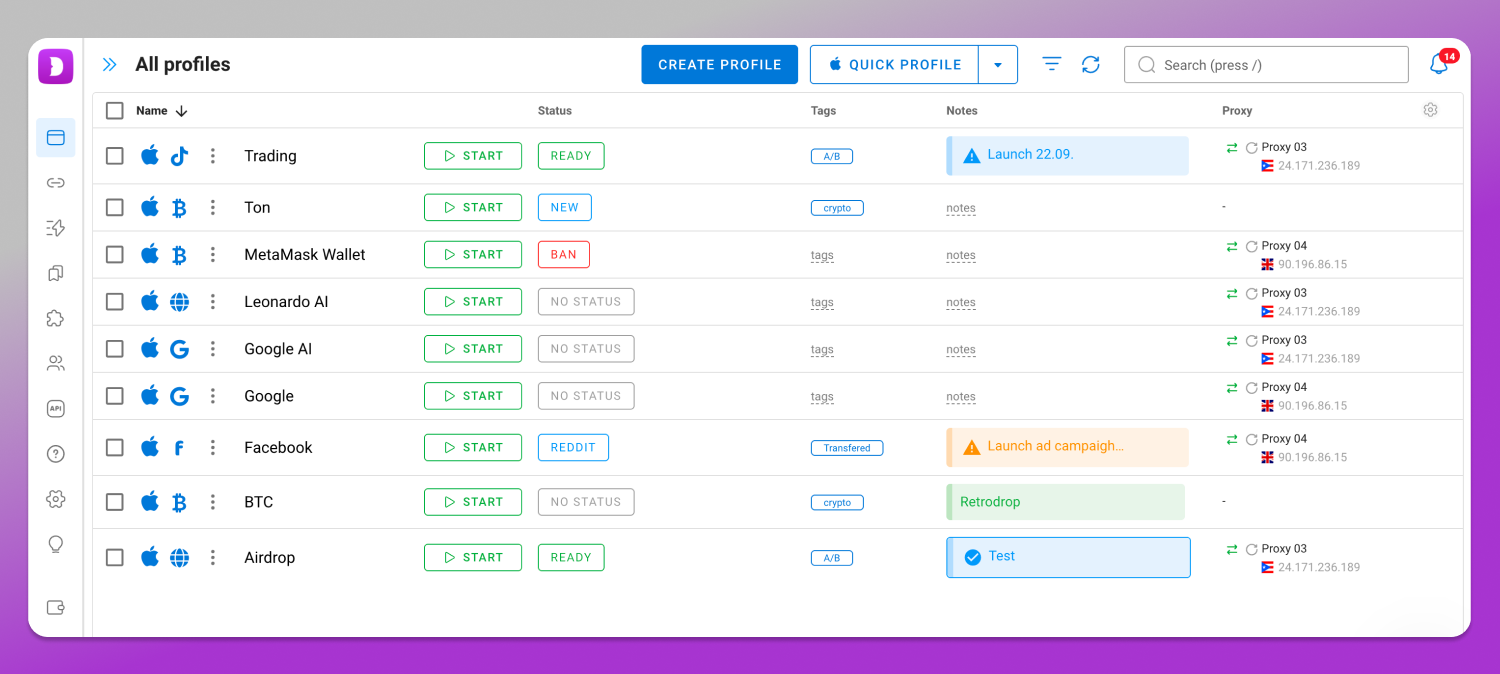
Tools built for account isolation address all three at once. 🚀 Dolphin Anty creates a coherent browser profile rather than a single header: a full set of fingerprint parameters configured consistently — 20 parameters are exposed per profile — plus its own proxy assignment and an isolated cookie and storage container. It runs as a desktop application on Windows, macOS and Linux.
This is also the point where the vocabulary starts to matter, because a profile in an antidetect browser is not the same object as a virtual browser, a browser emulator or a browser-in-the-browser window. Our comparison of a virtual browser vs a browser emulator vs browser-in-the-browser sorts out which of those actually runs a browser and which only draws one.
Extension, DevTools, Separate Profile or Antidetect Browser: What Solves What
| Method | Changes the UA string | Changes fingerprint parameters | Isolates cookies and storage | Binds a dedicated IP | Scales to dozens of accounts |
| Browser extension | Yes | No | No | No | No |
| DevTools device mode | Yes (per tab) | Viewport only | No | No | No |
| Launch flag | Yes | No | No | No | No |
| Separate browser profile | No | No | Yes | No | Partly, manually |
| Antidetect browser | Yes | Yes | Yes | Yes | Yes |
Read it row by row and the boundary picks itself. If your task lives in the first three rows, stop there. If it needs the last column, the desktop app for your OS and the current plans are both listed on the 💻 Dolphin Anty site.
The Extension Risk Nobody Reads About
A typical UA switcher requests broad permissions, and needs most of them legitimately: webRequest or declarativeNetRequest to rewrite headers, host permissions on <all_urls> because the header must change on every site, storage for saved profiles, and often scripting access to patch navigator.userAgent inside the page so JavaScript agrees with the header. That last one is why the list looks alarming. An extension that injects scripts into every page can read every form field and every session token.
Two more things follow. The set of installed extensions is itself detectable, through injected resources and behavior, so a masking tool becomes a marker. And popular extensions change hands: one with a clean history and a large install base can be sold, updated, and turned into something else. That pattern is documented across browser add-on ecosystems.
So naming specific free UA extensions here would be irresponsible. Judge any candidate by its permission list, its publisher and its update history.
Check Yourself in Five Minutes
🔎 Set your override, run the browser through a fingerprint checker, then read the report against four questions.
Does the reported platform match the claimed one? A UA saying macOS next to navigator.platform returning Win32 is visible to any script. Do the Client Hints agree with the header? A UA saying Android beside Sec-CH-UA-Platform: “Windows” contradicts itself inside one request. Does WebGL name hardware that could plausibly exist in the device you claim? Desktop GPU strings under a phone UA end the conversation. Does your timezone sit inside the country your IP resolves to?
Any one of those marks the session as inconsistent. Fix the environment, not the label.
When a UA Switcher Is Enough — and When It Isn’t
| Enough | Not enough |
| Testing responsive layouts and server-side templates | Running several accounts on one platform |
| One-off access to a site with an outdated browser check | Scraping sites with active bot protection |
| Debugging what a server returns to different clients | A team sharing access to the same accounts |
| Cross-browser compatibility checks | Advertising accounts on Meta Ads, TikTok Shop or similar |
One point deserves its own paragraph. 📱 A mobile user agent is not a mobile device. Sending an iPhone string gets you the mobile version of a page. It does not give you an iPhone’s screen, GPU, touch capability, sensor set or app environment, and any script checks all of those in milliseconds. No “mobile profile” is created by editing a header. Dolphin Anty does not provide mobile profiles either; it is desktop software.
The same logic applies to geography. Content restrictions are enforced on the IP address, not on the User-Agent, so no amount of string editing moves you to another country.
Decide by the right-hand column. If nothing there describes your work, keep the extension and close this page. If it does, a desktop antidetect browser is the class of tool that matches the job, and you can check the current plans on the Dolphin Anty pricing page.
Legal note. Operating multiple accounts is governed by each platform’s rules (Meta Advertising Policies and Meta Commerce Policies, the Amazon Seller Code of Conduct, the X Rules on multiple accounts) and by the law where you live. Handling other people’s data through these tools falls under GDPR in the EU, UK GDPR in the United Kingdom, and CCPA/CPRA in California, among others. Compliance is your responsibility, not the tool’s.
Frequently Asked Questions
What is a user agent switcher?
A browser extension or built-in setting that replaces the User-Agent header your browser sends with a string of your choosing. Sites reading that header treat you as the browser and operating system you declared. Nothing else about your browser changes.
Is a user agent switcher safe?
Safe to use, with one caveat: switcher extensions request permission to read and modify every page you visit, which is a lot of trust to hand an unknown developer. Safe as protection, no. It hides one declared value and leaves your fingerprint, IP and cookies untouched.
How do I spoof the user agent in Chrome?
Open DevTools, run “network conditions” from the command menu (Ctrl+Shift+P), uncheck Use browser default under User agent, and select or paste a string. The override lasts while DevTools is open on that tab. For a change that survives tab and DevTools state, launch Chrome with the –user-agent flag. It applies to that whole session, not permanently.
How do I find my user agent?
Open the DevTools Console in any browser and type navigator.userAgent. The printed value is the exact string sites receive. The Network tab shows the same header on every outgoing request, which confirms whether an override actually applied.
Does changing my user agent hide my IP address?
No. The User-Agent is an application-layer header. Your IP is attached at the network layer and stays visible regardless of what the header says. Changing your IP requires a proxy or VPN, a separate mechanism.
Will a mobile user agent make a site think I’m on a phone?
It changes which template the server sends. Client-side checks (touch support, screen dimensions, device memory, GPU renderer, sensor APIs) still report your desktop, and a site comparing them against the header sees the contradiction immediately.