What should you use in 2026?
Internet restrictions are increasing every year. That’s why 🔗 proxies and VPN services are becoming more popular. First, they allow you to quickly access blocked websites. Second, both proxies and VPNs hide the IP address of the user. As a result, you browse websites anonymously, and they can’t see your location, your provider details, or other GEO-related data.
What are professional and web proxy, how do they differ, and how do they work?
👉 A proxy is an intermediary between your device and a website. When you open a site, your browser sends a request through your internet provider, and that request reaches the website’s server. The site can see:
- your IP address;
- your approximate geolocation;
- the digital fingerprint of your browser and device.
In response to your request, the server sends back the website’s content. At the request stage, your internet provider may block it, preventing you from accessing the site.
In other cases, the website itself may deny your request based on your IP, location, or fingerprint, and simply not load.
What is the difference between professional and web proxies?
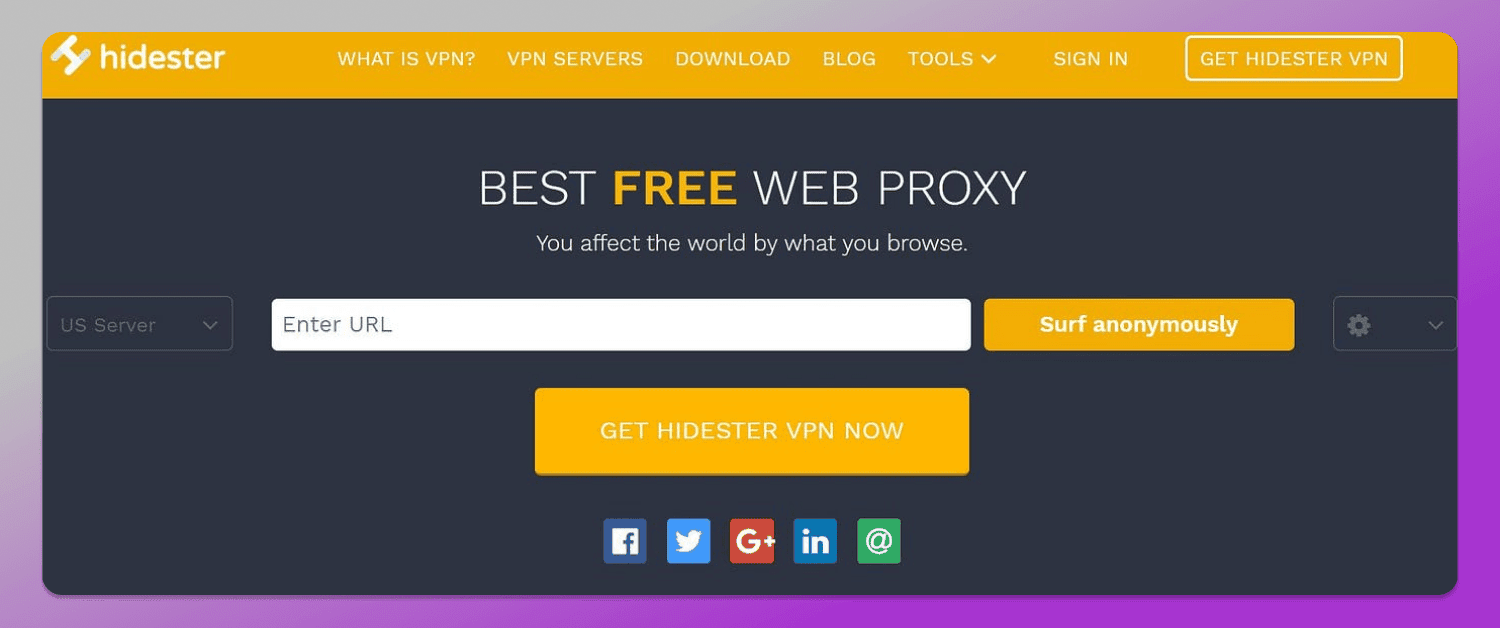
A web proxy or proxy browser online is a website with a built-in connection to a proxy server. You enter a URL into a form and access it through the server. At the same time, many other users are accessing websites through that same server.
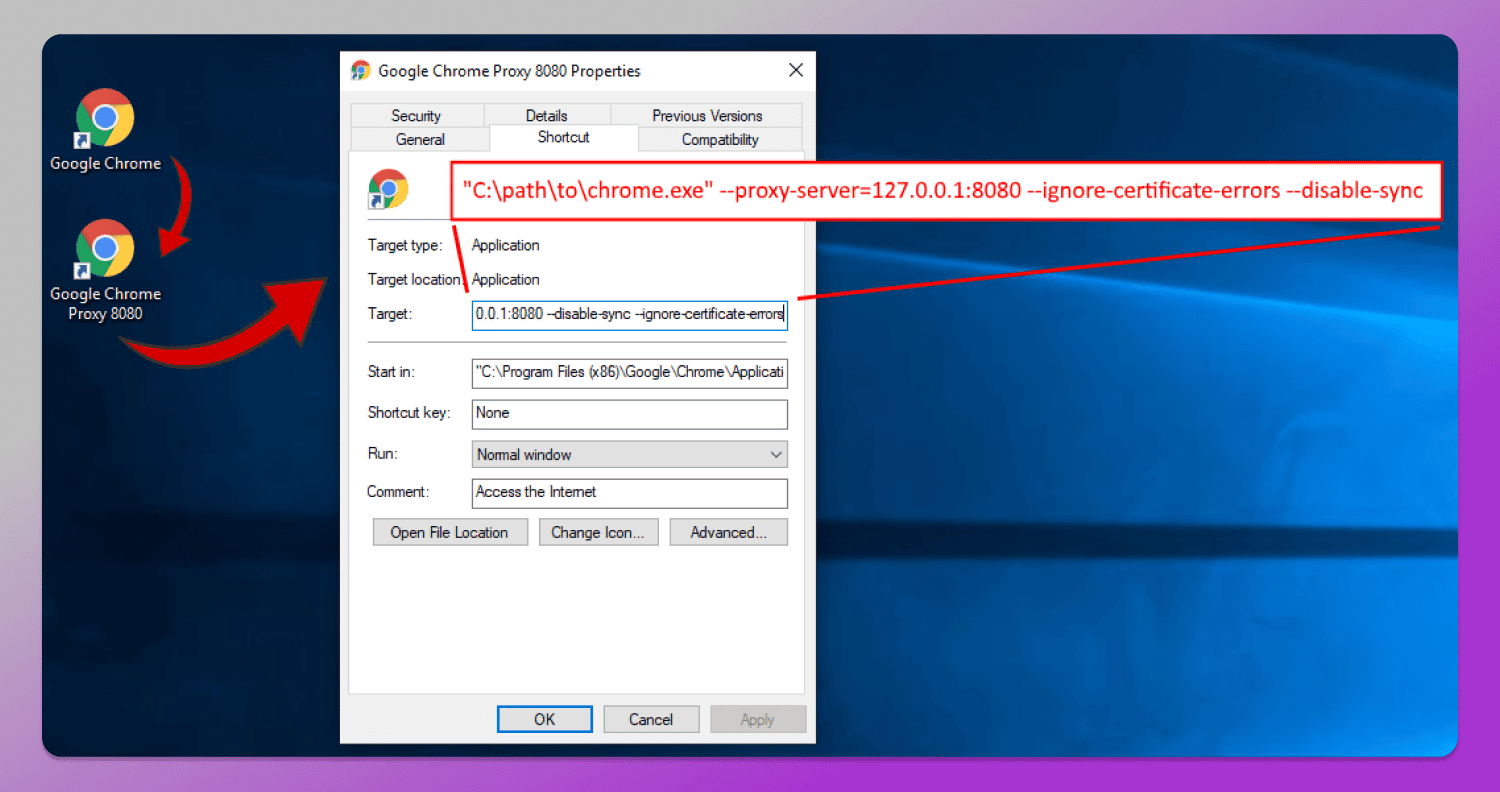
Professional proxies are dedicated ports with exclusive access to a server. You enter the host, port, login, and password into your browser settings → only you gain access to this server or device, and then use it to visit websites.
How do proxies work?
When you use an anonymous proxy gateway, your request is first sent to the 1️⃣ server locations, and only then forwarded to the 2️⃣ website. The site sees that the request comes from the server and sends the response back there. The proxy server then forwards the website’s response to you.
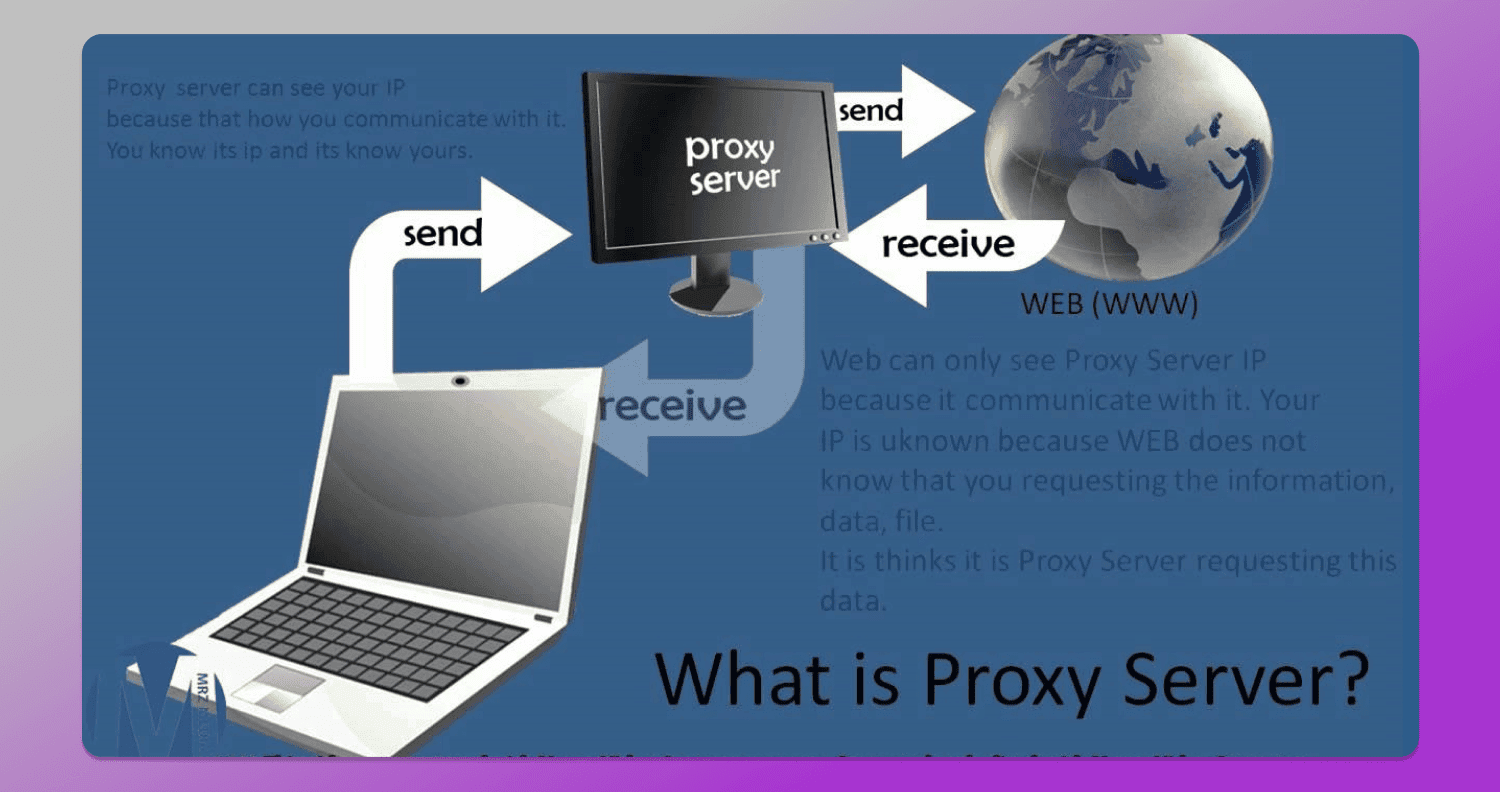
Important! Although a proxy provides anonymous web surfing and block bypass, your internet provider can still see that you are connecting through a web proxy, even though it cannot see which website you are visiting.
VPN, free web proxy, or professional proxies: which is better?
A proxy is simply a port and a server through which you send requests to a website and receive responses. A VPN is a virtual private network that handles all traffic routing. At first glance, a VPN seems better than professional and browser-based proxies:
- it provides full traffic encryption — even the servers you use to access websites cannot see your IP;
- it requires no technical knowledge — just install an app or extension, choose a location, and start using it;
- it allows you to quickly change location;
- the basic version is free, and the advanced version is relatively inexpensive.
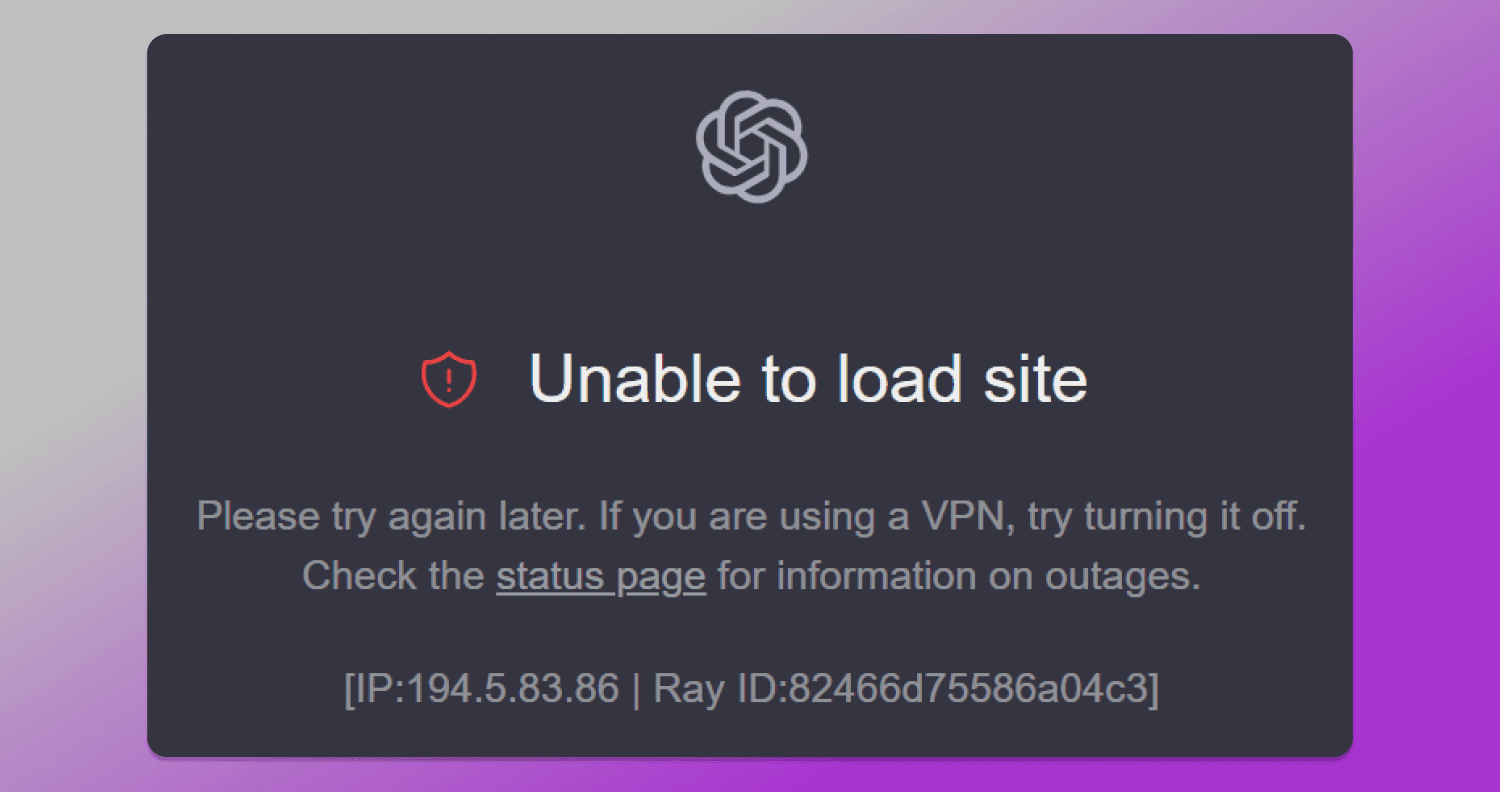
However, despite IP address hiding, VPNs have a serious drawback: many major platforms detect the fact that a VPN is being used and may impose restrictions because of it. For example, ChatGPT may stop working entirely if you access it through a VPN.
Using 🔎 proxies is harder to detect than using a VPN. Even some free proxy server online solutions create the appearance of direct access from clean IP addresses. Professional proxies are practically “invisible” even to major IT platforms that run thorough checks. That’s why using proxies can be just as effective as using a VPN.
In addition, proxies connect directly through a server and don’t spend resources on encrypting traffic. As a result, page loading speed is higher.
Best free web proxy 2026 for web browsing
Let’s look at 5 popular and user-friendly web proxy services. Keep in mind that these tools are suitable only to unblock websites free, but not for more complex tasks.
CroxyProxy
Provides both proxy and VPN services. Thanks to built-in HTTPS support, it offers basic SSL encryption and a stable connection, making it suitable for social media and video streaming.
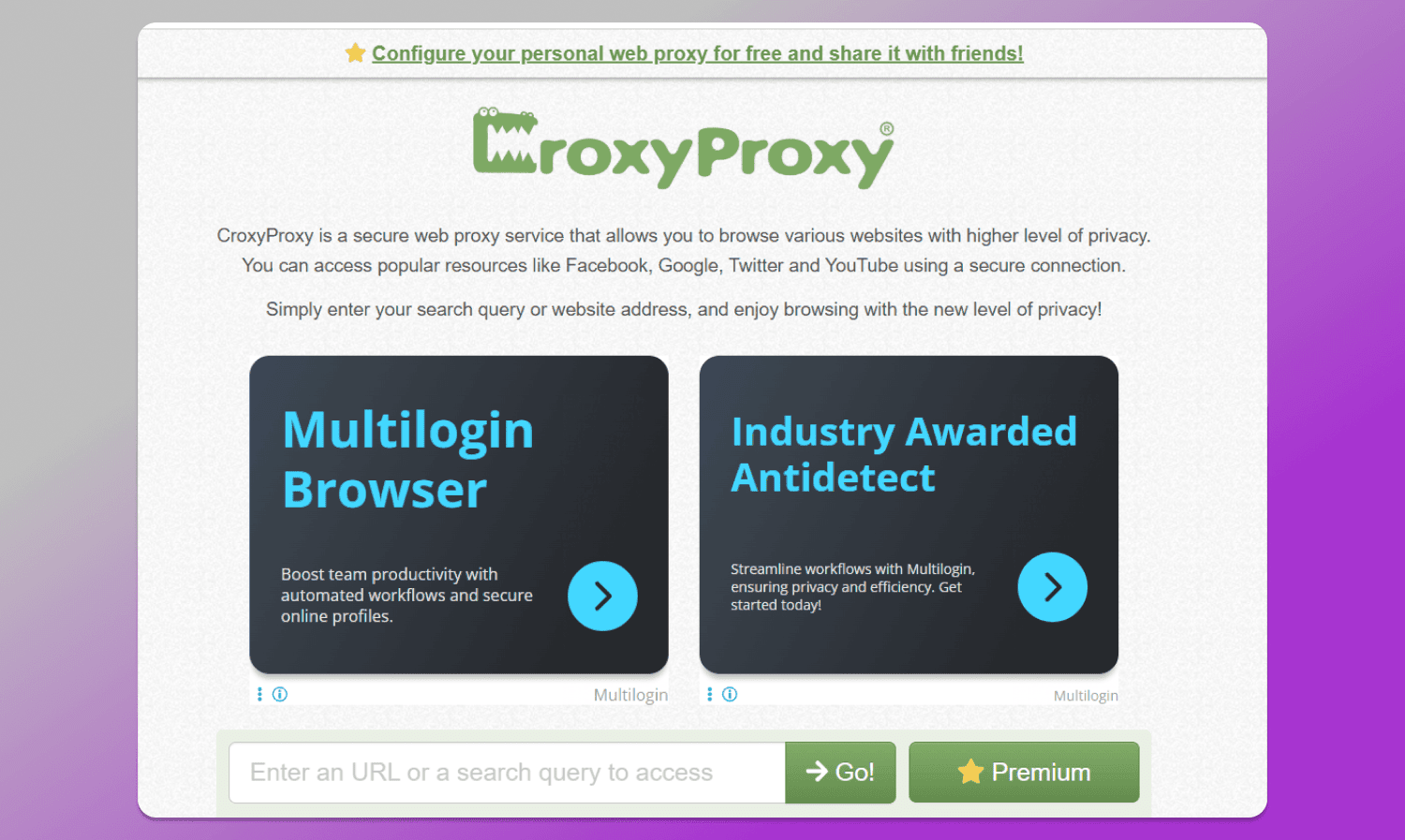
Cons: to get premium access, you need to subscribe on Patreon for $391 per month.
In the free version, the service website is overloaded with ads. Also, in the basic version, you don’t even know which GEO locations your traffic is routed through. Moreover, you cannot choose the server country yourself.
Hide.me
The service focuses on data privacy and follows a strict no-log policy — your activity and browsing history are not stored anywhere. This improves personal data security.
If you use the paid version and create an account, your payments are processed externally and cannot be linked to your account.
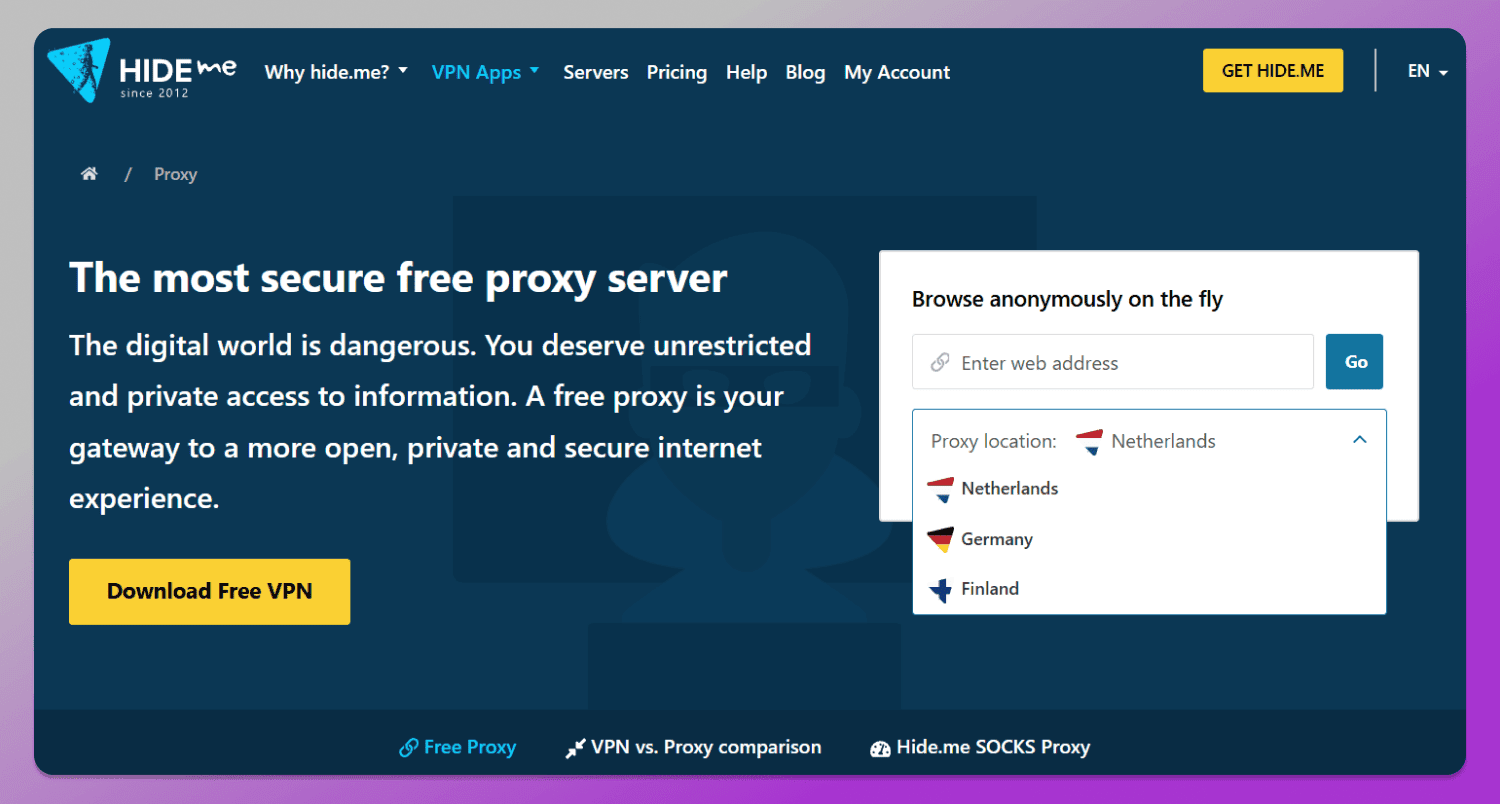
In the free version, you can choose one of three server GEOs: the Netherlands, Germany, or Finland. In the paid version, the service can be used as a VPN with a wide range of regions (91 GEOs in total).
The downside of Hide.me is the high cost of a monthly subscription (almost $12 just to try the service for one month).
ProxySite
A free online proxy browser that operates through servers in the US and EU. Its main advantage is the wide range of locations in these regions, even on the free plan.
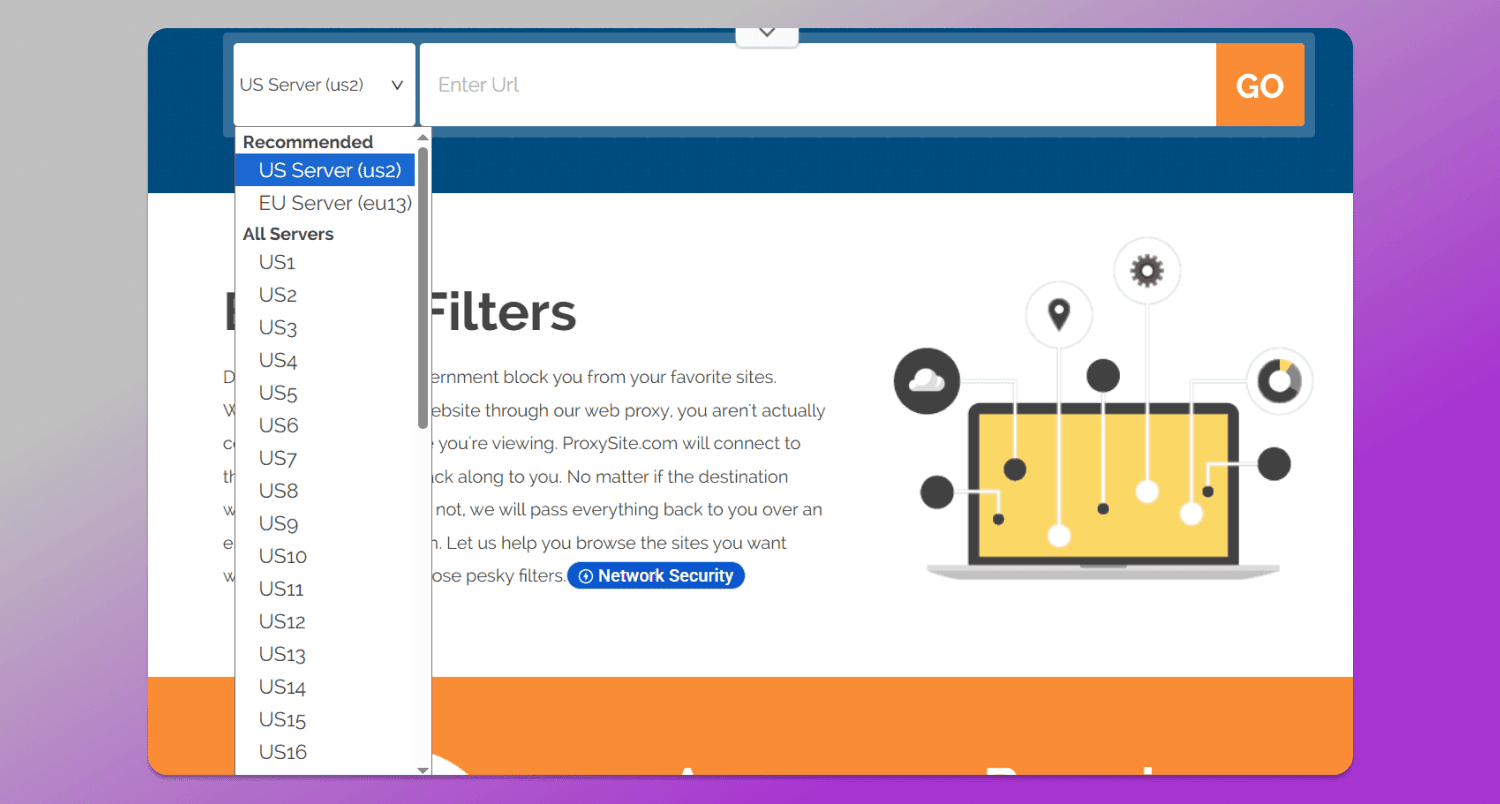
The main downside of the service is low bandwidth. It may load slowly or fail to load “heavy” websites altogether.
Hidester
Like Hide.me, it does not store logs and therefore ensures maximum data privacy. In addition, there are no IP leaks via DNS or WebRTC.
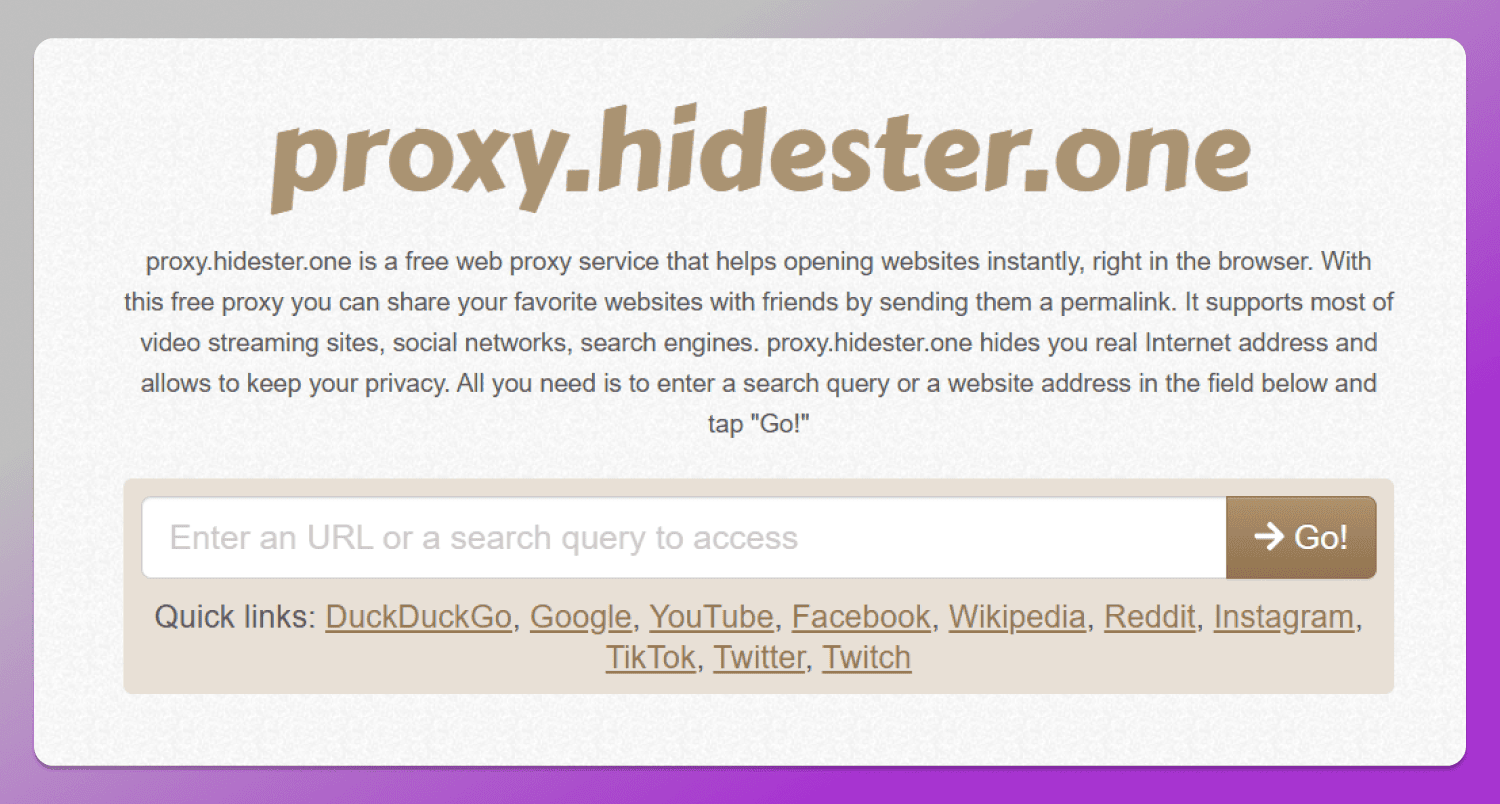
Therefore, the service is suitable to browse social media and to bypass geo-restrictions.
Cons: the service reduces connection speed by about 40%. In addition, it cannot bypass some platform-level restrictions (for example, Netflix blocks).
VPNBook
A lesser-known service for bypassing restrictions and anonymous browsing. It handles blocks very well and stores logs of your activity for only one week.
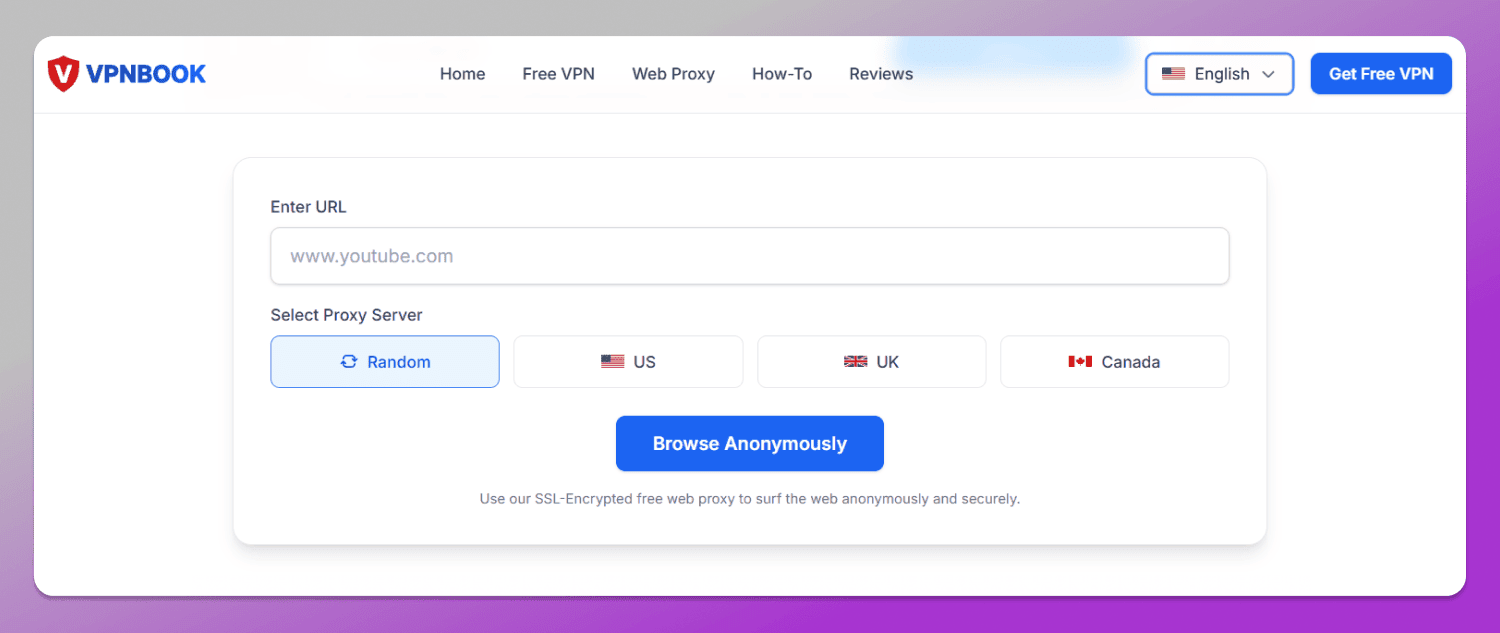
However, the service is completely free and monetized through ads, so there are a lot of them. In addition, VPNBook has a limited selection of servers, and the connection speed is significantly reduced.
Proxies and VPNs do not solve all tasks. Even the best free web proxy will not provide a level of anonymity sufficient to manage multiple accounts in environments where this is restricted and closely monitored. In such cases, a comprehensive professional solution is required.
Professional Setup: why Dolphin Anty is the gold standard for multi-accounting?
Online platforms track more than just your IP. They also collect information about browser settings, system and browser fonts, your OS, graphics rendering, connected media devices, and more — over 50 parameters in total. The combination of these parameters is unique for each user and is called a fingerprint.
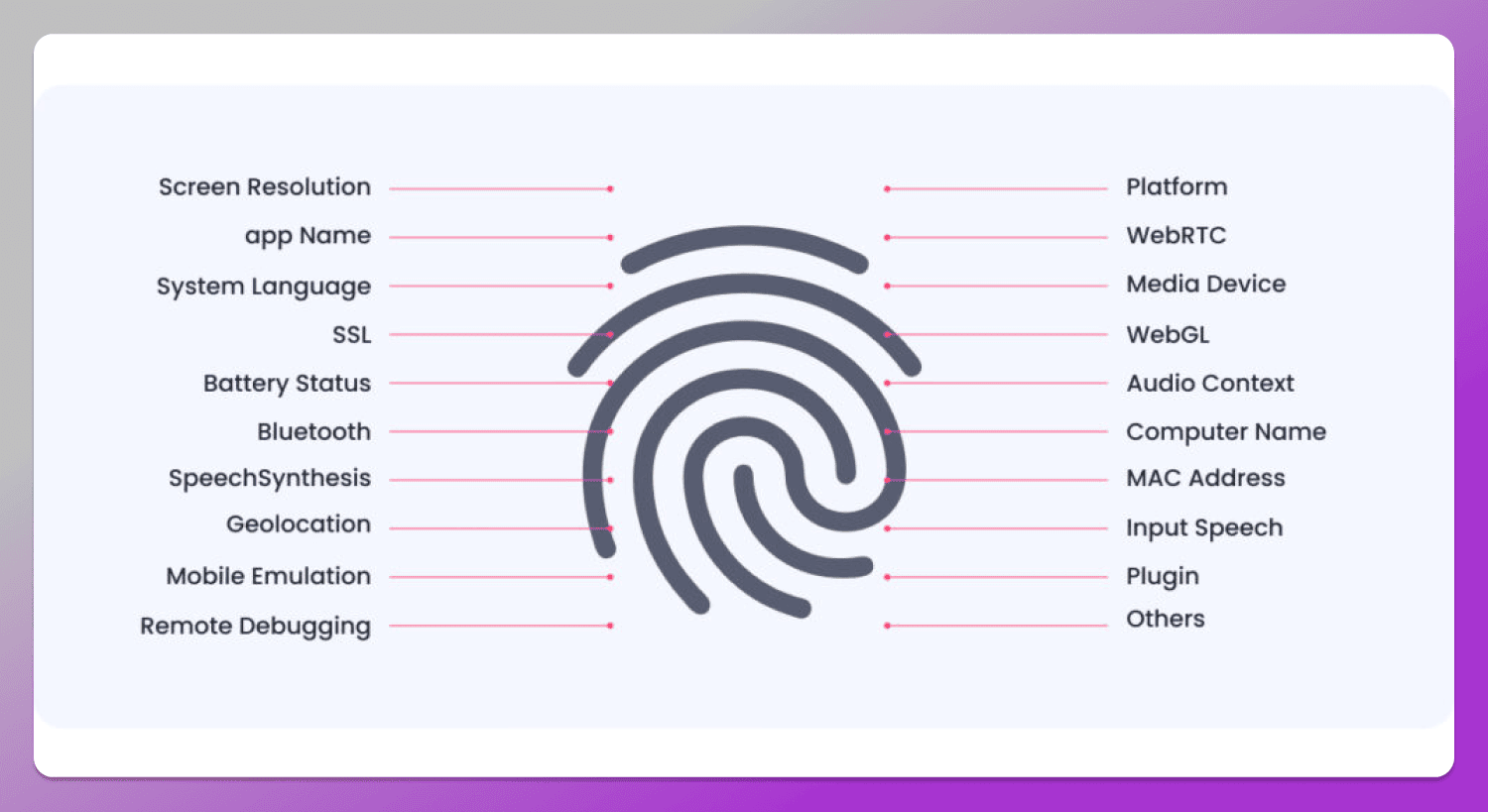
And it is precisely through this digital fingerprint that platforms identify you. So even if you hide your IP using another user’s device, Facebook, Google, and similar platforms will still recognize you based on other fingerprint parameters.
How does anti-detect work: look at Dolphin Anty as an example?
An anti-detect browser helps hide your fingerprint and achieve maximum anonymity. It not only conceals your real fingerprint but also replaces it with a synthetic one.
As an example, let’s look at 🚀 Dolphin Anty, since it provides not only anonymity but also trust from websites toward your browser and accounts:
- You create a browser profile — a workspace from which you manage one of your many accounts;
- You add a proxy, cookies, and, if needed, bookmarks and plugins to this profile;
- Dolphin Anty matches the digital fingerprint parameters to your proxy port. This anti-detect uses real fingerprints of real users, so the website does not detect anything suspicious in your browser.
With an anti-detect browser, you can create many such profiles (for example, 6 in the screenshot) and log into an account in each of them. Browser profiles appear as separate users — the website cannot link them together by either IP or fingerprint.
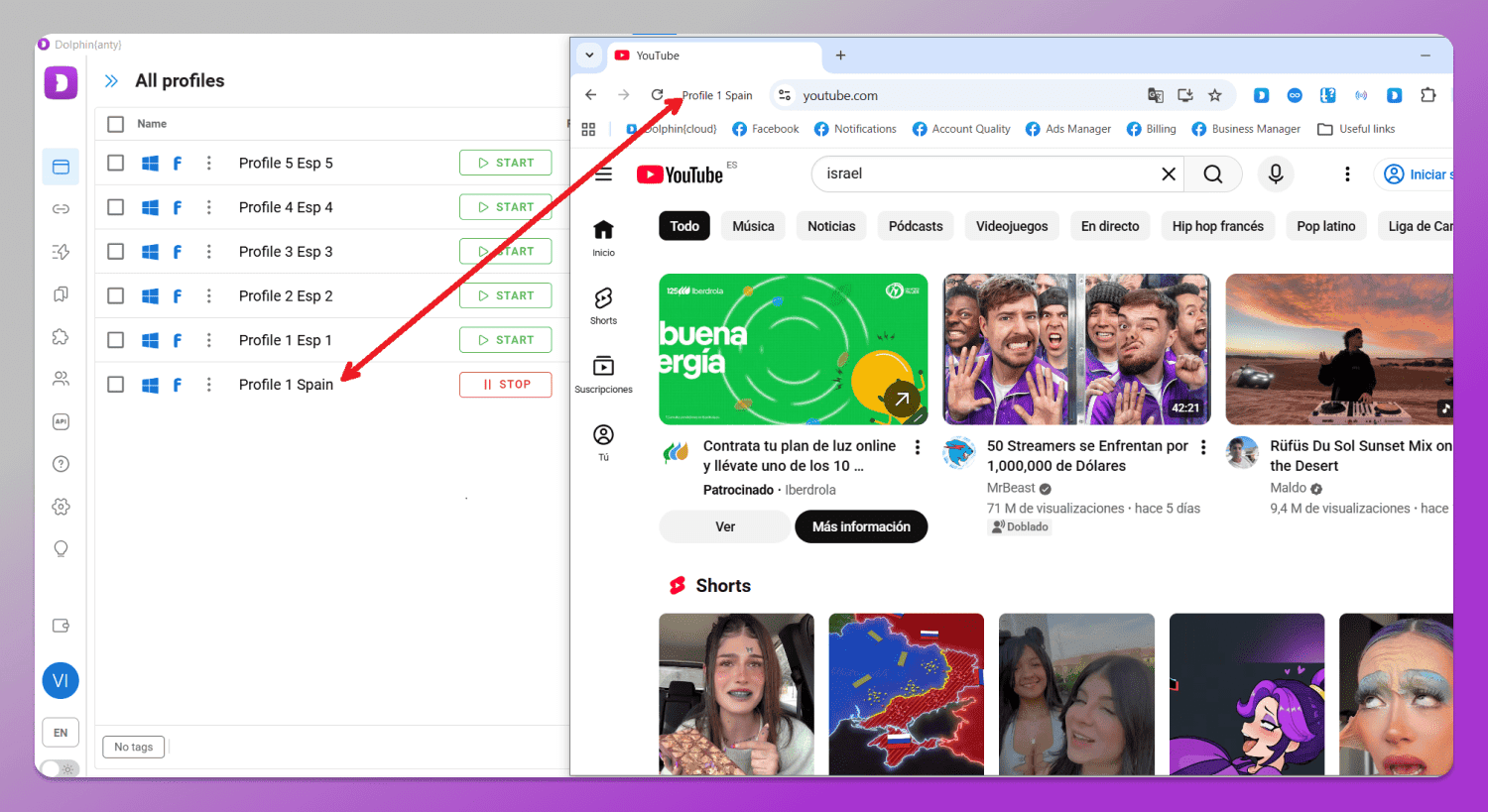
The screenshot above shows an example of how the Dolphin Anty anti-detect browser works. On the left are browser profiles, each with its own fingerprint. On the right is an example of one of these profiles in action. It appears as a browser of a user from Spain, although in reality it is being used from another country (outside Europe).
How to use proxies in Dolphin Anty?
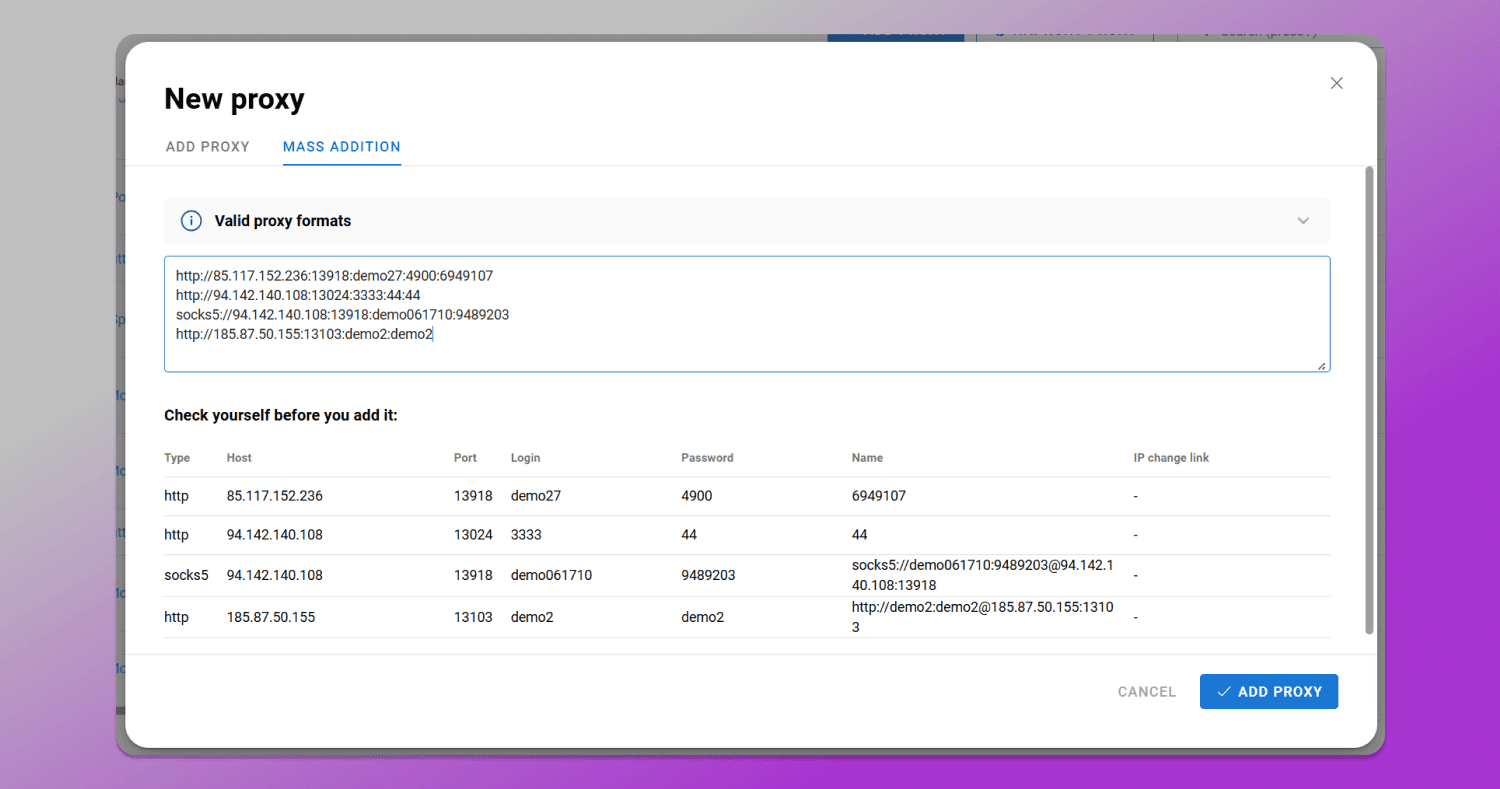
Dolphin Anty has a dedicated proxy section. You can add ports individually or in bulk, and also check their functionality after adding them. To do this, select the required proxies using checkboxes and click “Check connection.”
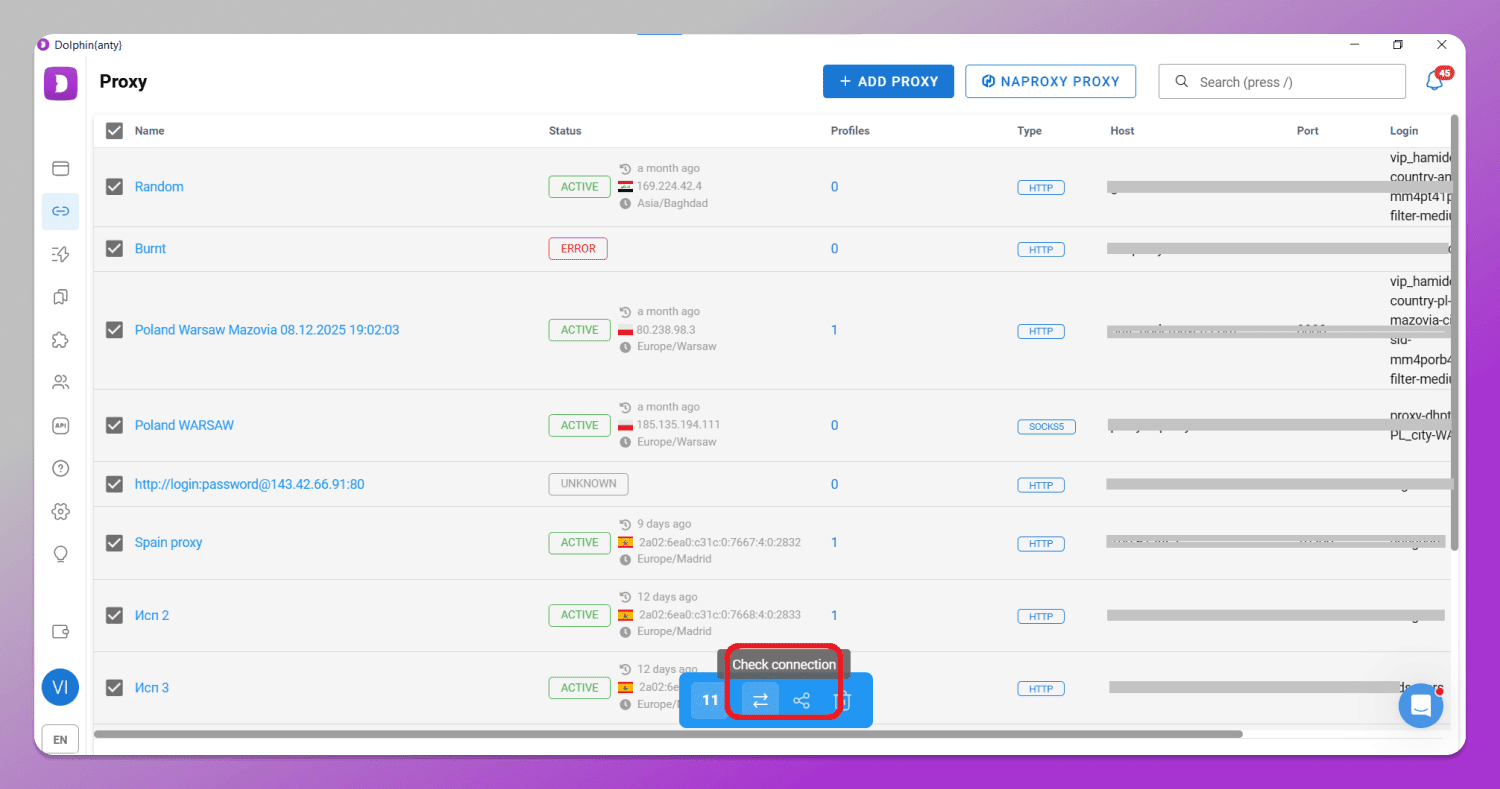
For bulk proxy import, there is a dedicated form. You paste the data (port, host, login, password), and they appear as a list where you can verify the correctness of the entries.
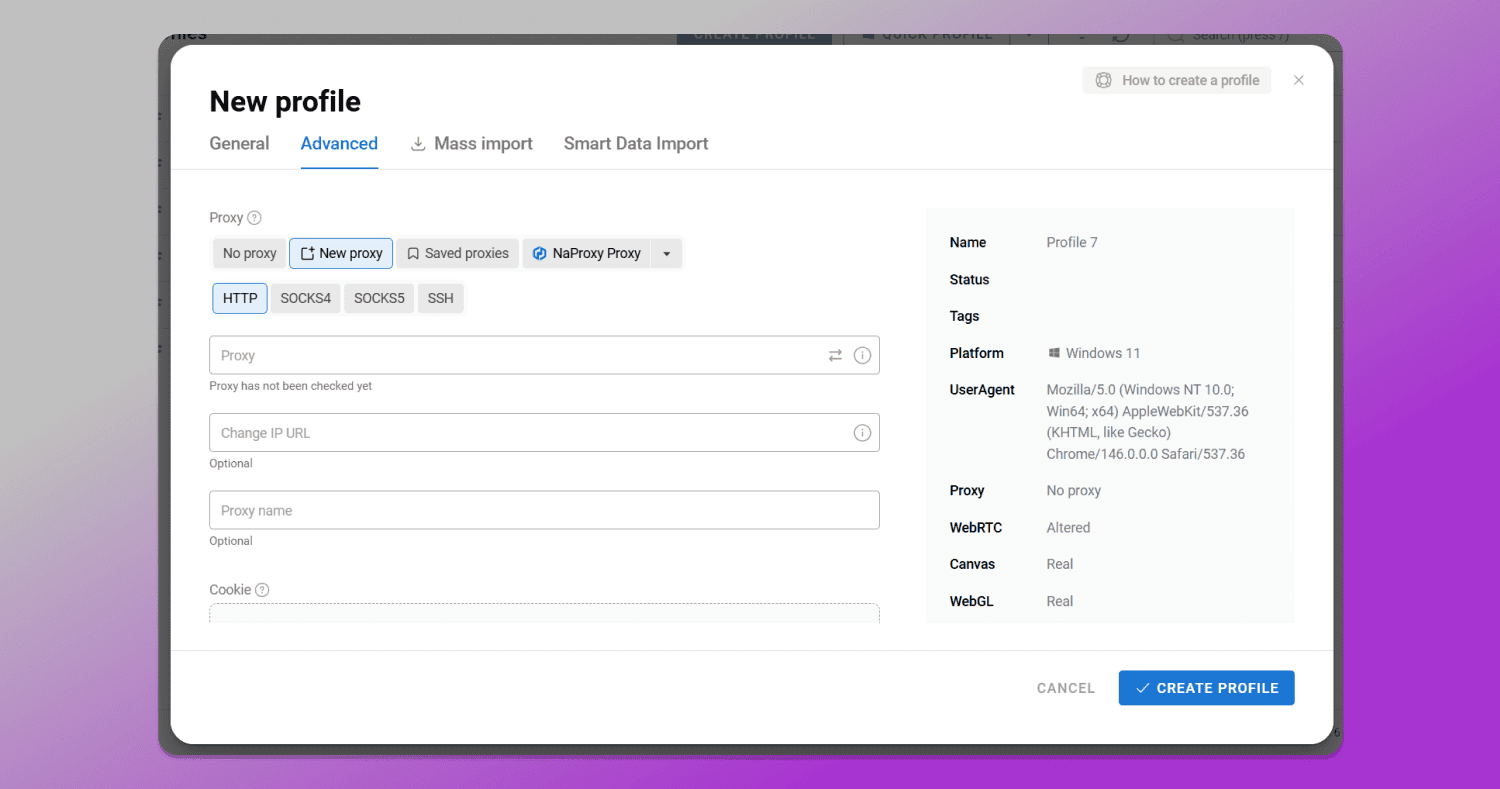
To use a proxy, you need to create a browser profile. To do this, click “Create profile,” then add a name, choose its type, and attach a proxy and cookies.
If the required port is already in the list, click “Saved proxies” and select it. To add a new proxy port, use the form in the “New proxy” tab.
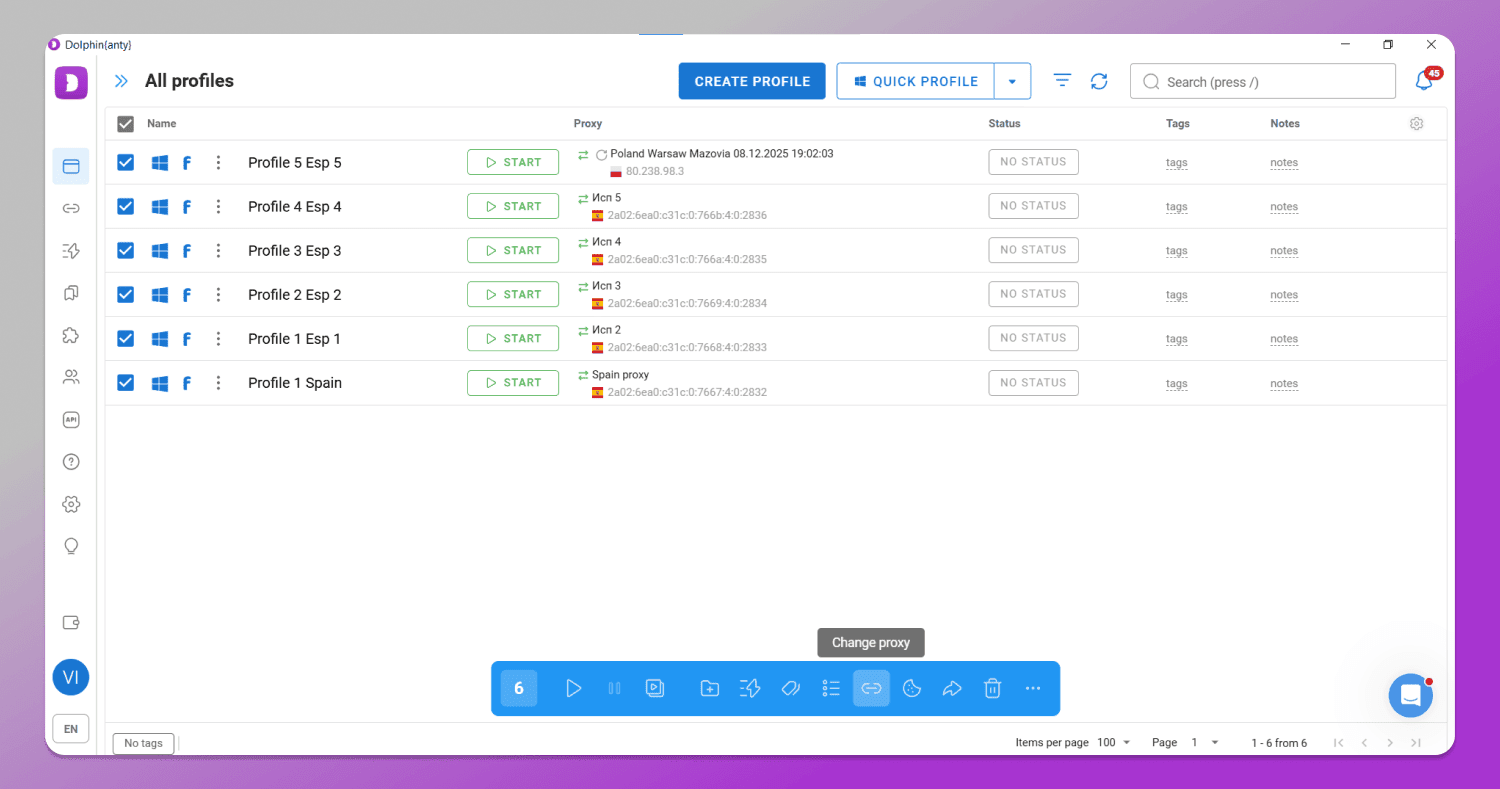
You can also assign proxies in bulk to existing profiles. To do this, select the browsers in the list and choose the “Change proxy” option.
Can you use a web proxy for personal accounts?
We do not recommend using services even from the trusted web-based proxy list above if:
- you make purchases and enter payment information (especially your CVC code) and/or passport data;
- you log into an account that contains sensitive personal or payment data;
- you open a page where your logins and passwords for different services are stored;
- you access an account that may contain your private photos or videos.
Web proxies do not provide an encrypted connection, so the data you exchange with a website can be intercepted by third parties.
Conclusion
Web proxies should only be used for online browsing and bypassing regional restrictions. For logging into accounts, it is better to use a VPN. For multi-accounting, only professional proxies and anti-detect solutions are suitable. We recommend paying attention to Dolphin Anty, as its fingerprints are trusted by platforms. To get started, register on the official website and download the anti-detect browser.
FAQ about web proxies
Is a free web proxy safe to use for logging into accounts?
It is not entirely safe. Free web proxies are best used only for browsing.
What is the difference between a web proxy and a VPN?
A proxy connection between you and a website is anonymous, while a VPN connection is both anonymous and encrypted. For example, your internet provider may track the data you send or receive through a proxy, but it cannot access the data transmitted through a VPN.
Can I watch YouTube or Netflix using a web proxy?
It depends on the specific service. To stream videos comfortably, a web proxy must provide sufficient connection speed.
Does a web proxy hide my IP address from my ISP?
Your provider can see that you are connected to a web proxy and may even detect some of the data being transmitted. However, it cannot see the actual website you are visiting.
Why are some websites not loading correctly via web proxy?
Because some scripts, such as JavaScript, may not work properly when accessed through a web proxy.
Do I need to install any software to use a web proxy?
No, a web proxy works directly in your browser online.
Are there any limits on data usage for free proxies?
Yes, many web proxies limit the amount of traffic on free plans.