
The Multilogin vs DICloak comparison starts out uneven. On the Multilogin side there are officially published plans, prices, and requirements, and they appear here with numbers. On the DICloak side, no official source was verified for this piece: pricing, plans, systems, and features are listed as open items, never as statements.
That does not make the comparison useless. The choice between two antidetect browsers comes down to the same four points: cost per profile, included profiles, supported systems, and automation with team management. Below is what is already settled and what to confirm before subscribing.
Multilogin vs DICloak: what each tool is
What Multilogin is
Multilogin is one of the oldest names in the category. It creates isolated browser profiles: each profile gets its own fingerprint — user-agent, resolution, fonts, time zone, WebGL, and Canvas — and can use a different proxy. Ten accounts in ten profiles behave like ten people on ten computers.
What DICloak is
DICloak is presented as an antidetect browser in the same category, with the same isolation promise. For this piece, however, there was no access to its official pricing page or product documentation.
Pricing and free plans
Multilogin’s official plans
There are three: Free forever, with 5 profiles deleted after 7 days; Pro, at $11 per month or $85 per year; and Business, at $89 per month. How many profiles each paid plan includes still needs confirmation. Without it there is no way to calculate the cost per profile, the figure that actually compares plans.
What is missing from DICloak’s table
No DICloak figure can be reproduced without an official source. In this category, free plans often cap not just how many profiles exist, but how many times each one opens per day.
Operating systems and requirements
Before subscribing, ❗ check whether the app runs on the machine you already own.
What Multilogin requires
Windows 10 or later, macOS 14 Sonoma or later, and Linux Ubuntu 22 or later, always 64-bit, with at least 4 GB of RAM and 1 GB of disk space. Apple Silicon M1 through M4 is supported; Windows on ARM is not.
What still needs confirming on DICloak
The equivalent list remains open. Nor is it possible to state what it offers for mobile-app accounts.
Automation, API, and team management
Anyone running dozens of accounts eventually stops opening profiles by hand. Two features matter then: an API to create and launch profiles by script, and no-code automation. For both products, the exact scope needs confirmation.
Team management and permissions
With more than one person in the operation, the question changes: how many seats the plan includes and what each one can do. Ideally you delegate a profile without handing over the account password. On DICloak, that point remains open.
Dolphin Anty: the best option for managing several accounts
If you landed here looking for a DICloak alternative, 🚀 Dolphin Anty should be the🔝 first name on the list. Each profile gets its own fingerprint, tuned across more than 20 parameters, with isolated proxy and cookies, so no account carries a trace of another. That addresses chain bans, where one profile going down drags the others with it — the real risk for anyone running paid traffic, affiliate marketing, or marketplaces.
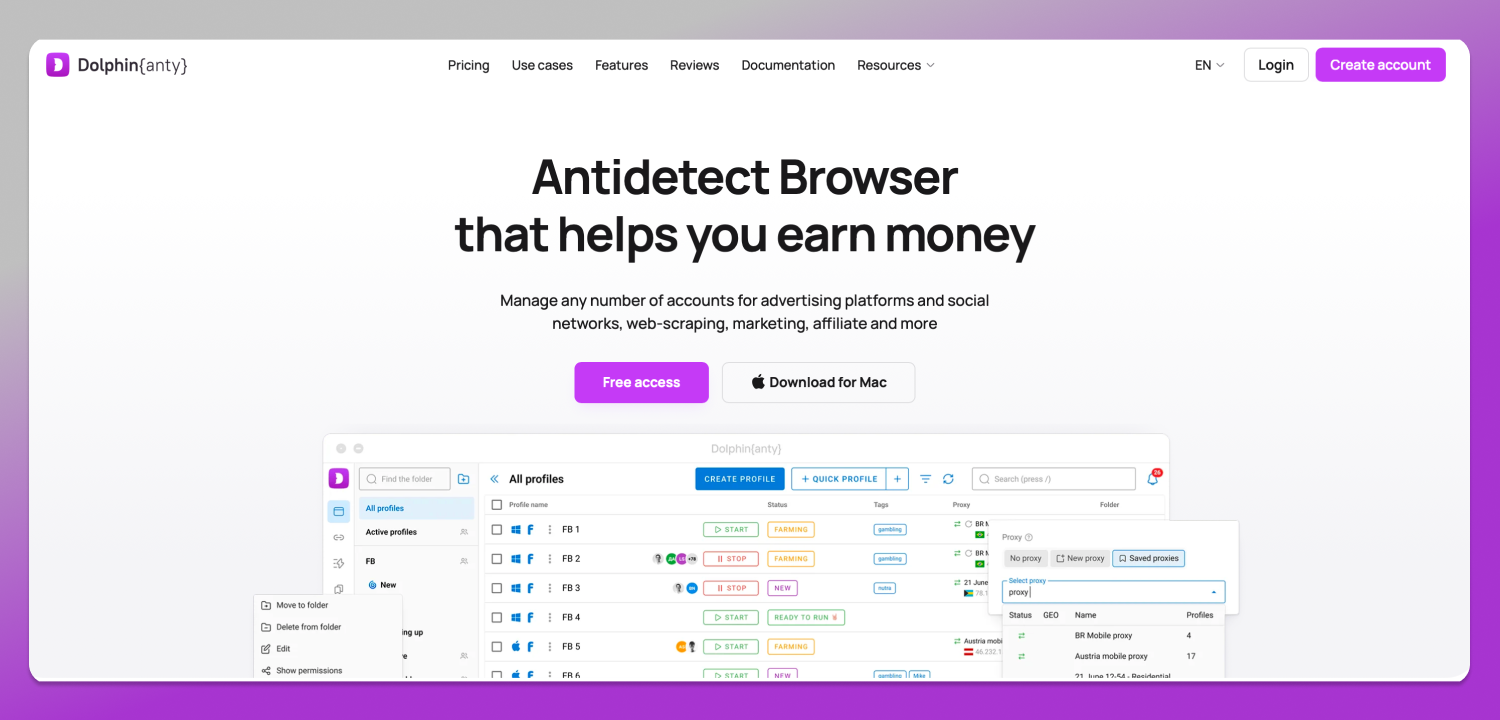
The second point is scale: team management with per-user permissions, which lets you delegate profiles without handing over passwords, plus API automation to create, edit, and run profiles with no manual clicks. Signing up unlocks ✅ 5 free profiles with no card required, enough to validate the workflow before spending.
Official plans and supported systems
Free at $0 with 5 profiles; Starter at $10 per month with 20 profiles; Base at $89 per month with 100 profiles; Team at $159 per month with 300 profiles; Enterprise at $299 per month with 1,000 profiles; and Custom, with unlimited profiles and pricing on request. The app runs on 64-bit Windows, macOS with Intel processors and M-series chips, and Linux in AppImage, .deb, and .rpm formats.
Multilogin vs DICloak: how to decide without guessing
Build a four-column table — monthly price, included profiles, supported systems, and API — and divide the price by the number of profiles. A pricing comparison only holds up with data from an official page: fill each row that way and, where a number is missing, leave the cell empty.
Then test before migrating: run two or three secondary accounts on each candidate’s free plan and watch memory usage and proxy stability. Always download from the official site, because a “modified” installer is a classic session-theft vector.
Frequently asked questions
Do Multilogin and DICloak have free plans?
Multilogin does: 5 profiles on the Free forever plan, deleted after 7 days without use. For DICloak, the free plan and its limits still await an official source, so confirm them on the product’s pricing page before counting on them.
How much does Multilogin cost per month?
The Pro plan is $11 per month, or $85 on the annual subscription, and Business is $89 per month. To compare against any competitor, divide the monthly rate by the number of included profiles and look at the cost per profile, not the sticker price.
Which systems does each one require?
Multilogin runs on Windows 10 or later, macOS 14 Sonoma or later, and Ubuntu 22 or later, always 64-bit. It needs 4 GB of RAM and 1 GB of disk; Apple Silicon M1 through M4 works, Windows on ARM does not. DICloak’s requirements still need official confirmation.
Can both be automated with Selenium or Playwright?
That depends on confirmation in both cases: neither Multilogin’s nor DICloak’s API scope was verified here against an official source. Dolphin Anty does offer API automation to create, edit, and run profiles without manual clicks, including routines that involve many profiles.
Does Dolphin Anty have a free plan?
Yes. Signing up unlocks 5 free profiles with no card required, each with its own fingerprint and isolated proxy and cookies. It is enough to test the full workflow and, once the operation grows, move up to Starter at $10 per month with 20 profiles.
Conclusion
Today the Multilogin versus DICloak comparison is lopsided: one side publishes plans, prices, and requirements; on the other, almost everything still depends on official confirmation. Fill the gaps on the vendor’s page before subscribing; if the decision has to happen now, start with 🔥 Dolphin Anty and test the 5 free profiles.