
🔗 IPDEEP is a global proxy provider offering static residential, rotating residential, mobile, and unlimited residential proxies. New users receive 500 MB of rotating proxy data or a $2 voucher when they sign up. Static residential proxies start at $1.50/month, while rotating proxies start at $0.50/GB.
Follow these steps to connect your IPDEEP proxy to Dolphin Anty.
Step 1: Get Your Proxy from IPDEEP
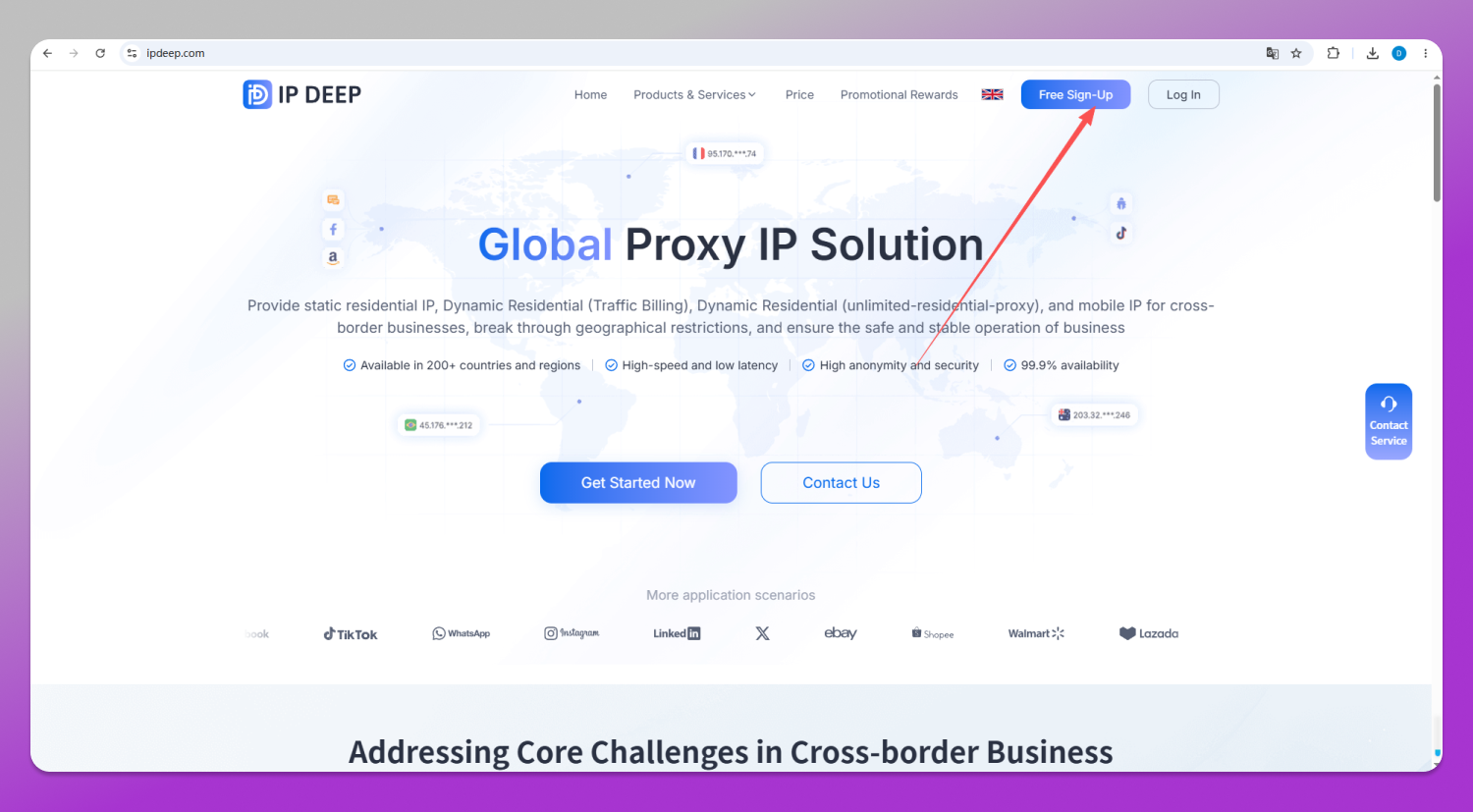
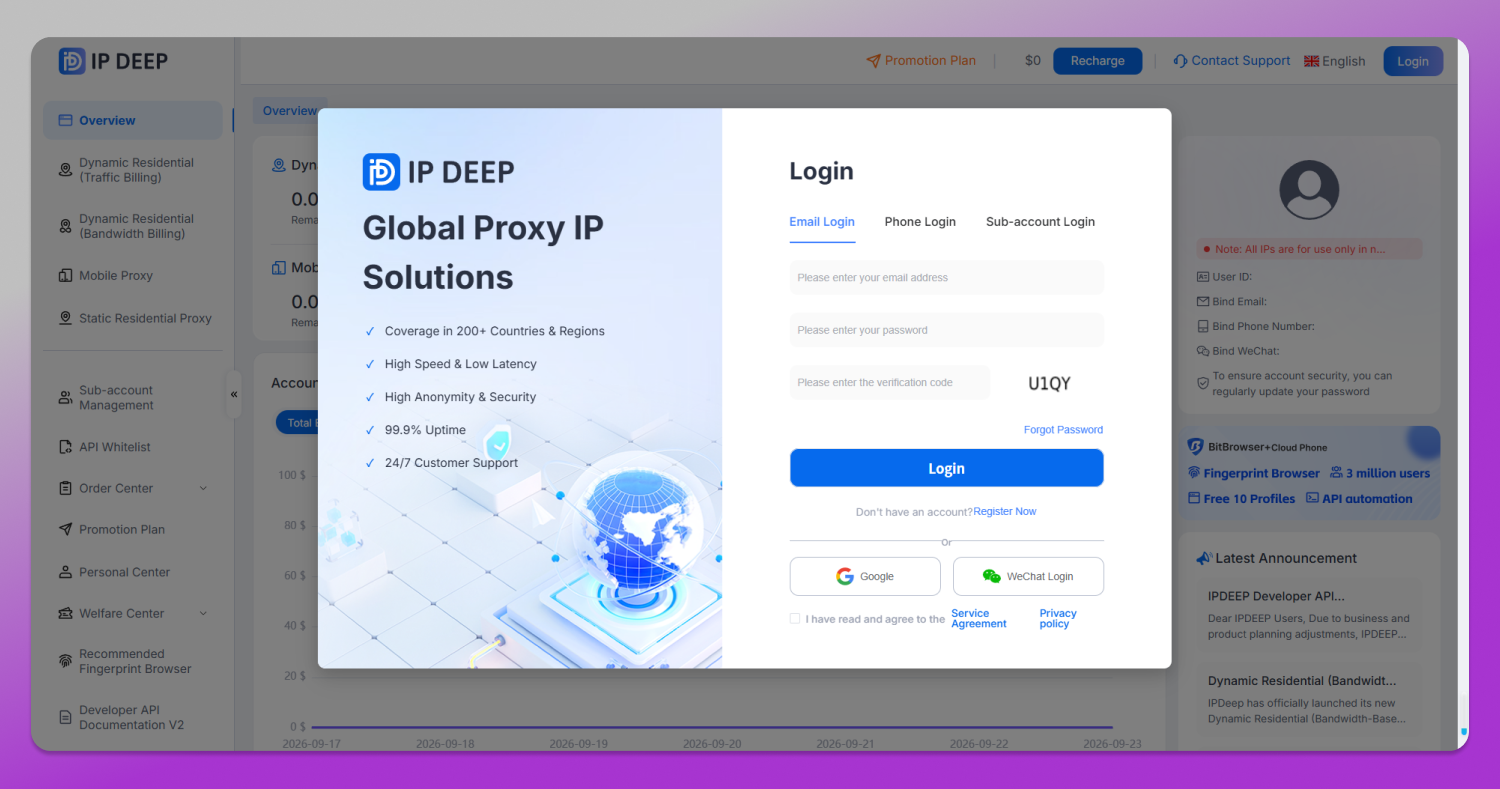
1. Create an account on the IPDEEP website and open your dashboard.
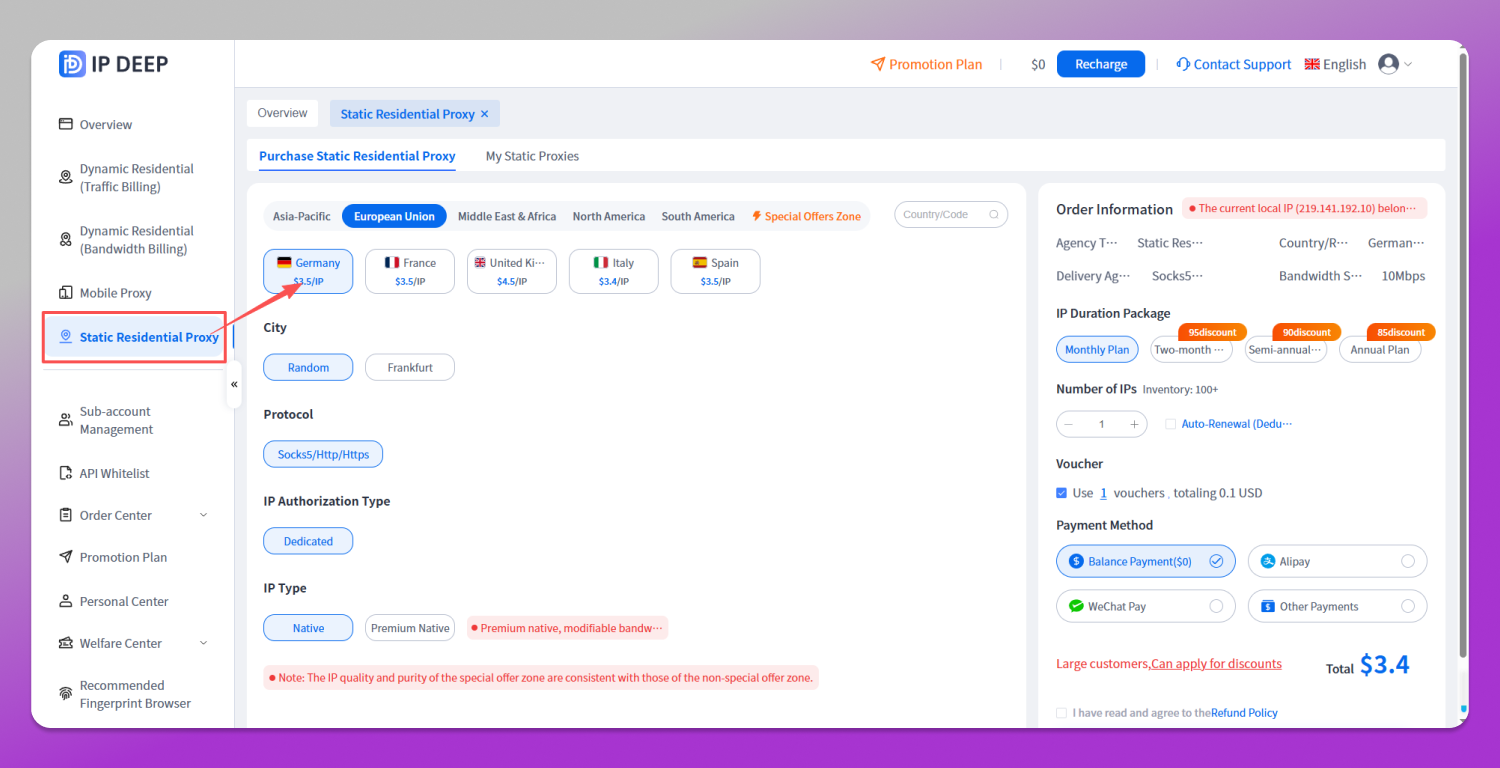
2. Choose and purchase a proxy. For this walkthrough, we’ll use a static residential IP in Germany:
Go to Static Residential Proxies, select 🇩🇪 Germany, choose a city and IP type, then click Buy Now.
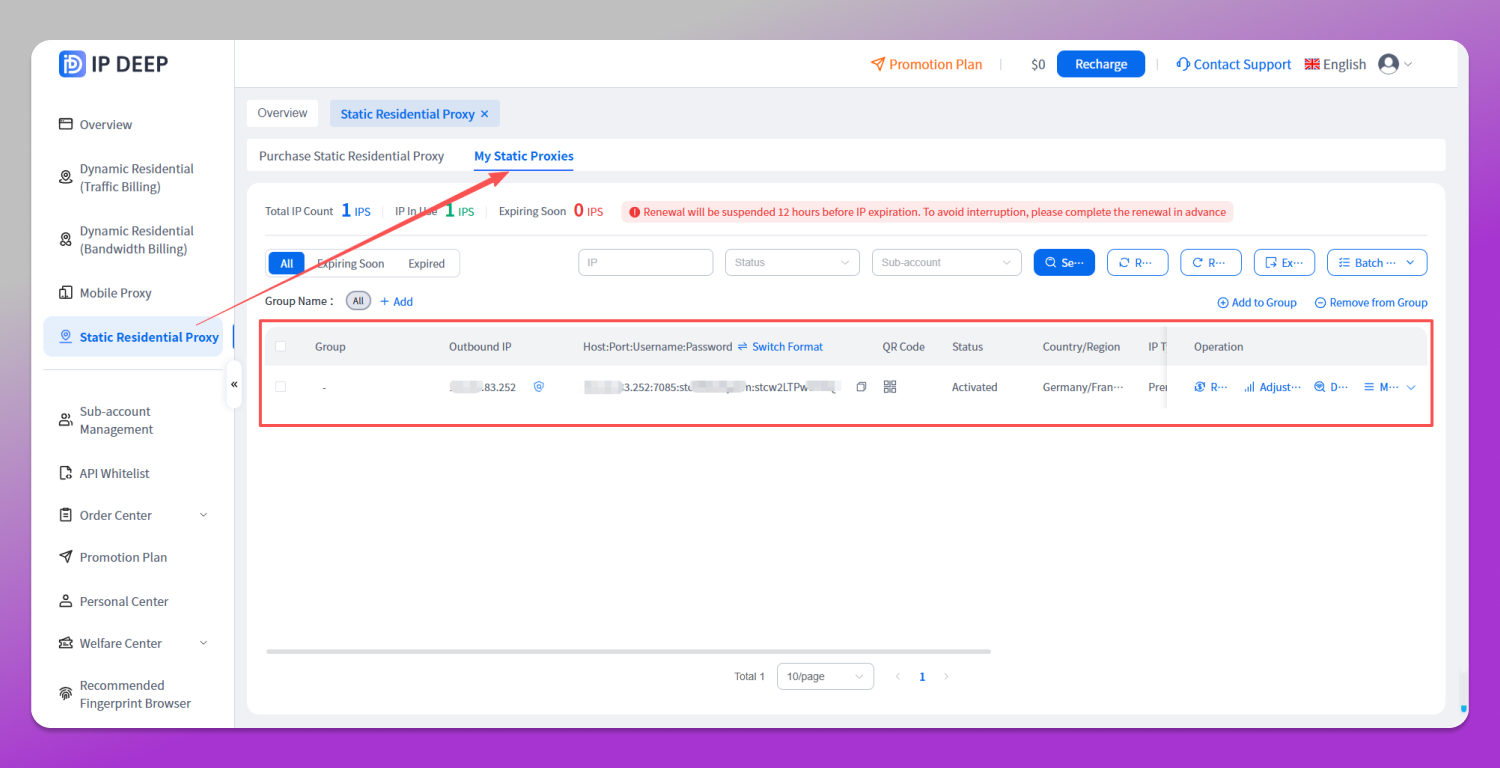
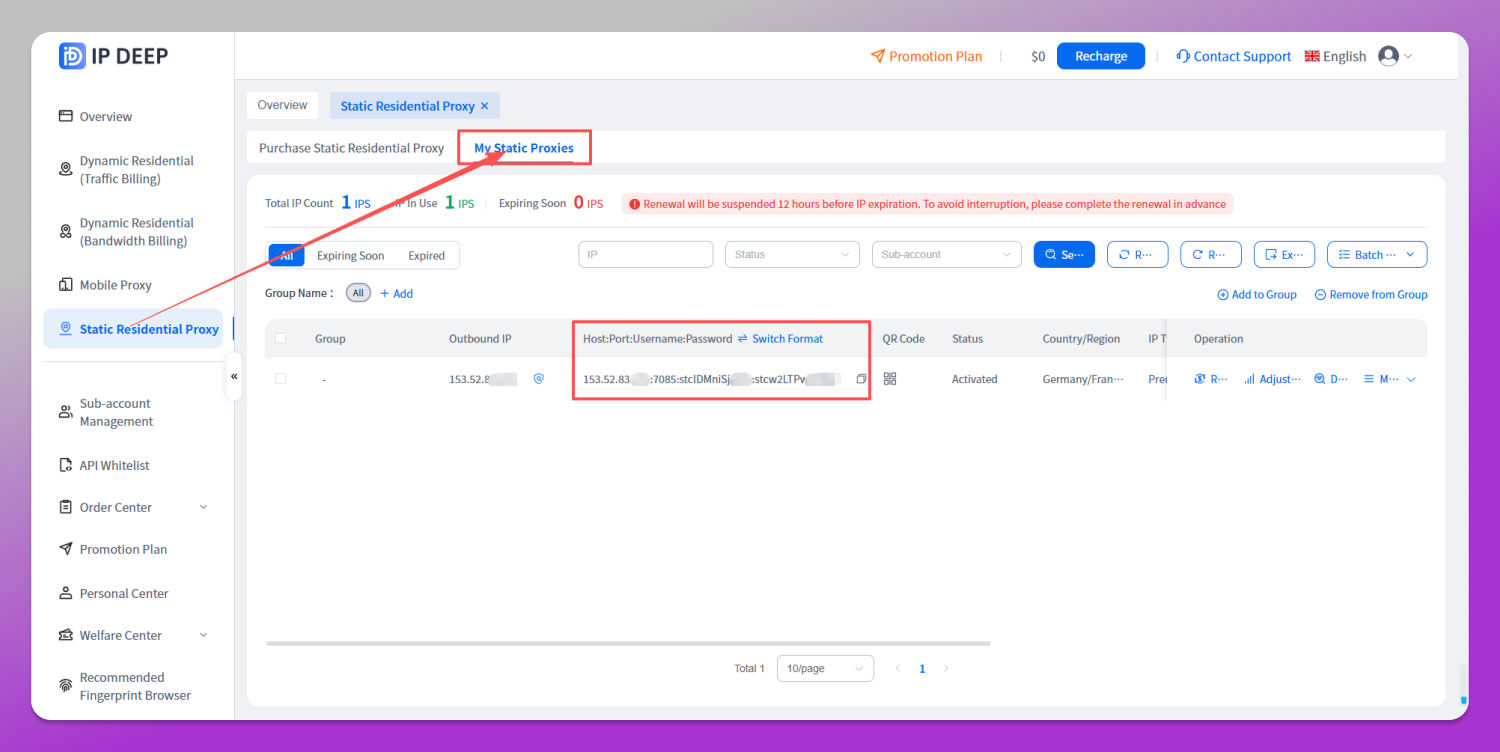
3. Open your purchased static residential proxies and find your German IP’s connection details. You’ll need the host, port, username, and password.
Step 2: Configure Dolphin Anty
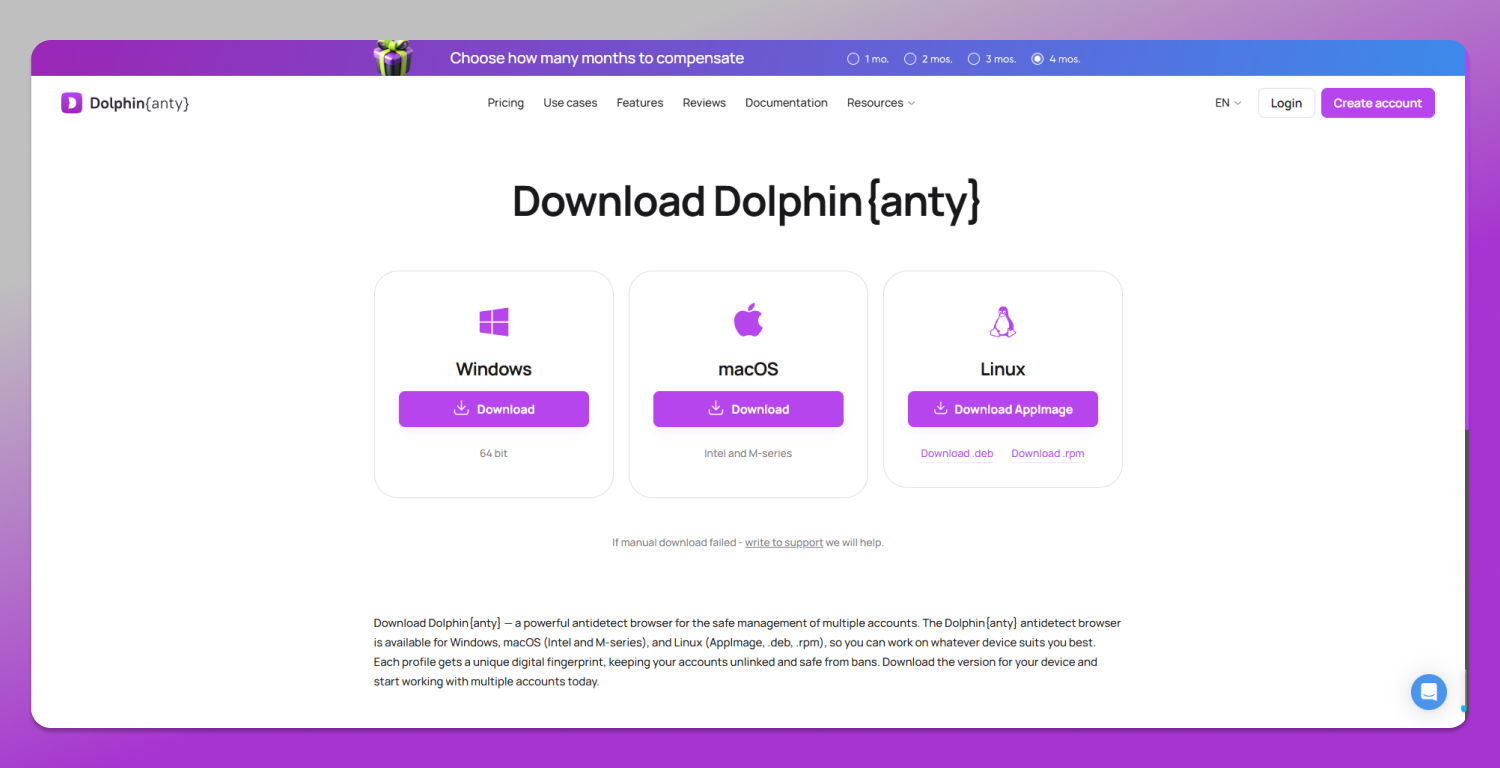
1. Visit the 🔥 Dolphin Anty website and create an account.
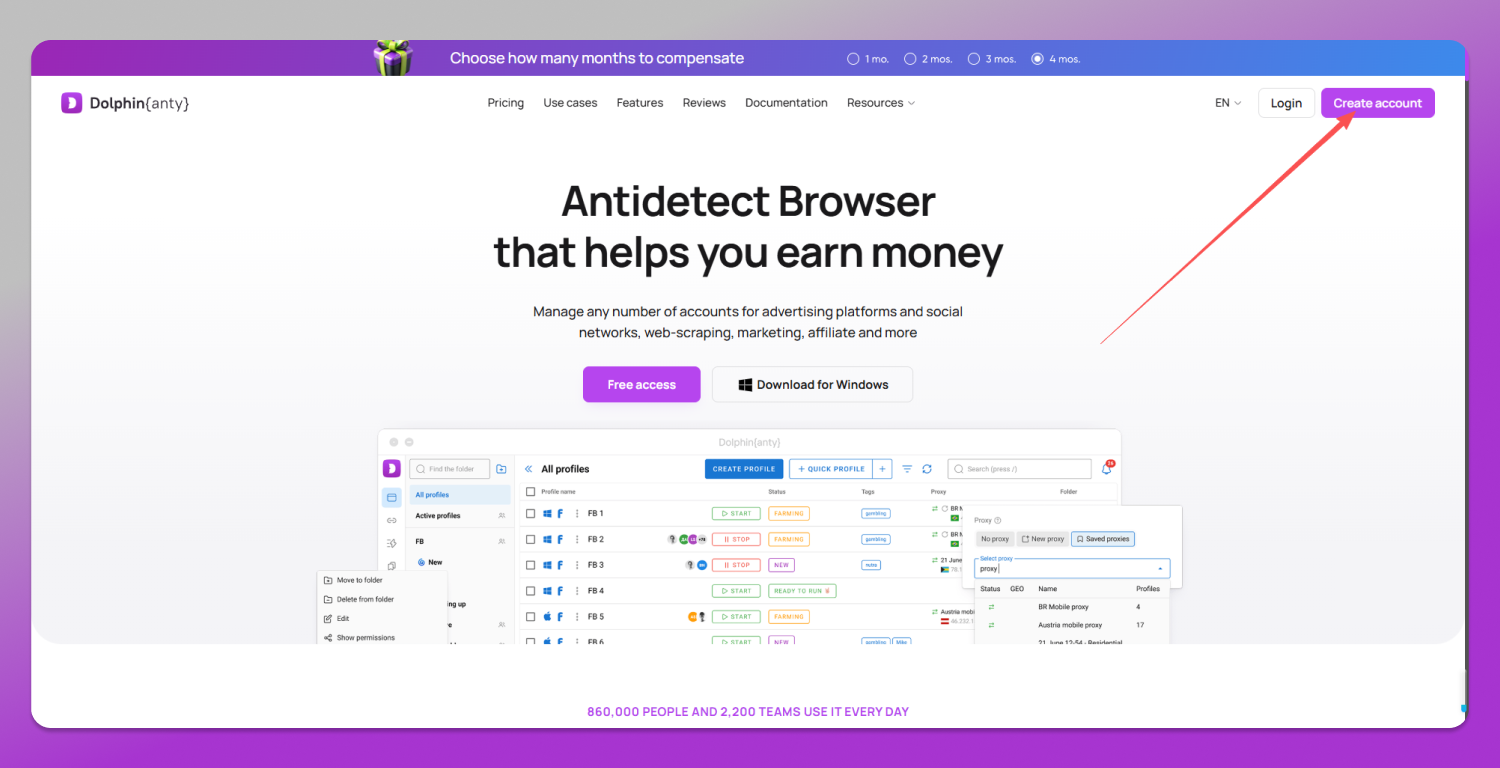
2. Download and install the browser, then sign in.
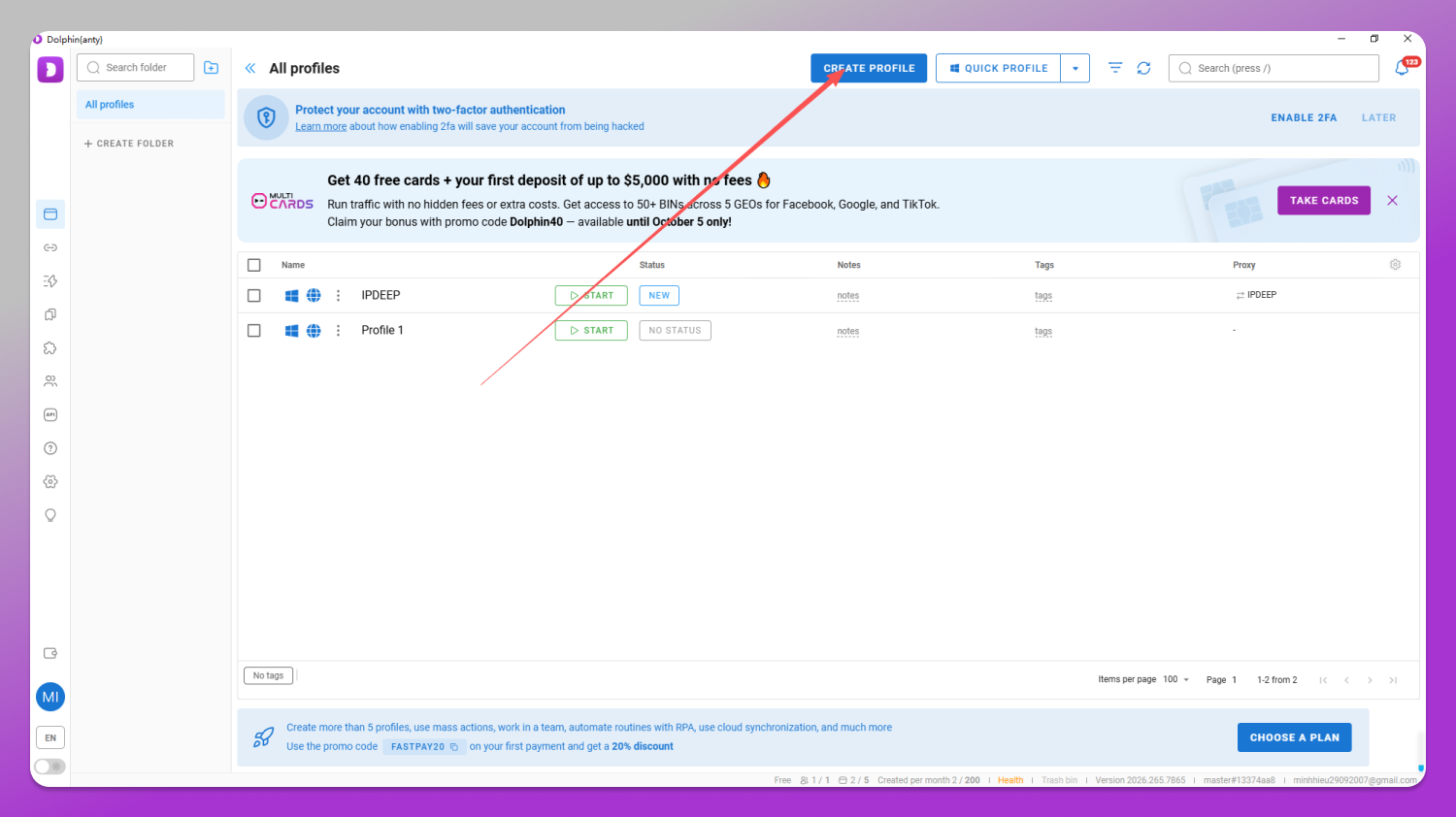
3. Click Create Profile, enter a profile name, select New Proxy, and choose SOCKS5.
4. Enter the host, port, username, and password for the German static residential proxy you purchased from IPDEEP.
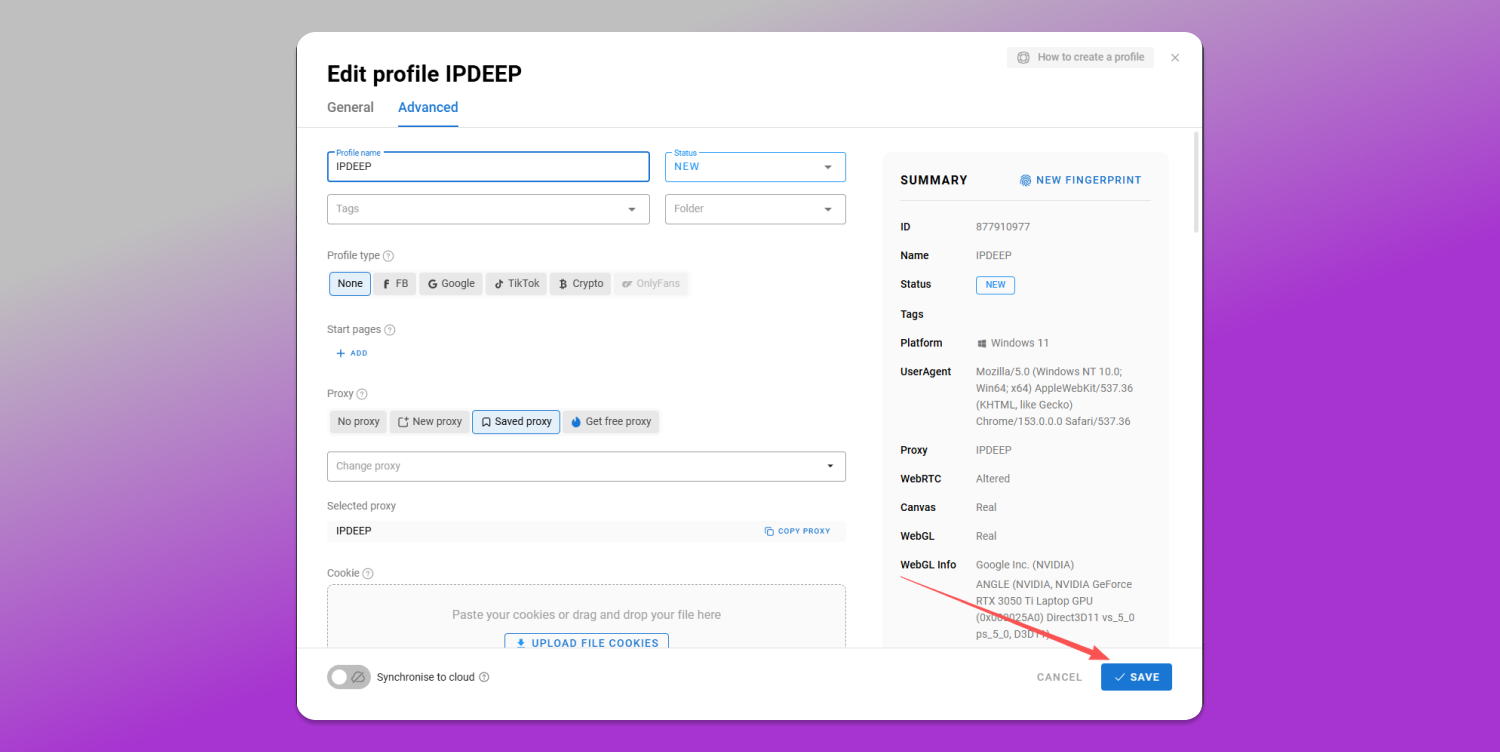
5. Click SAVE .
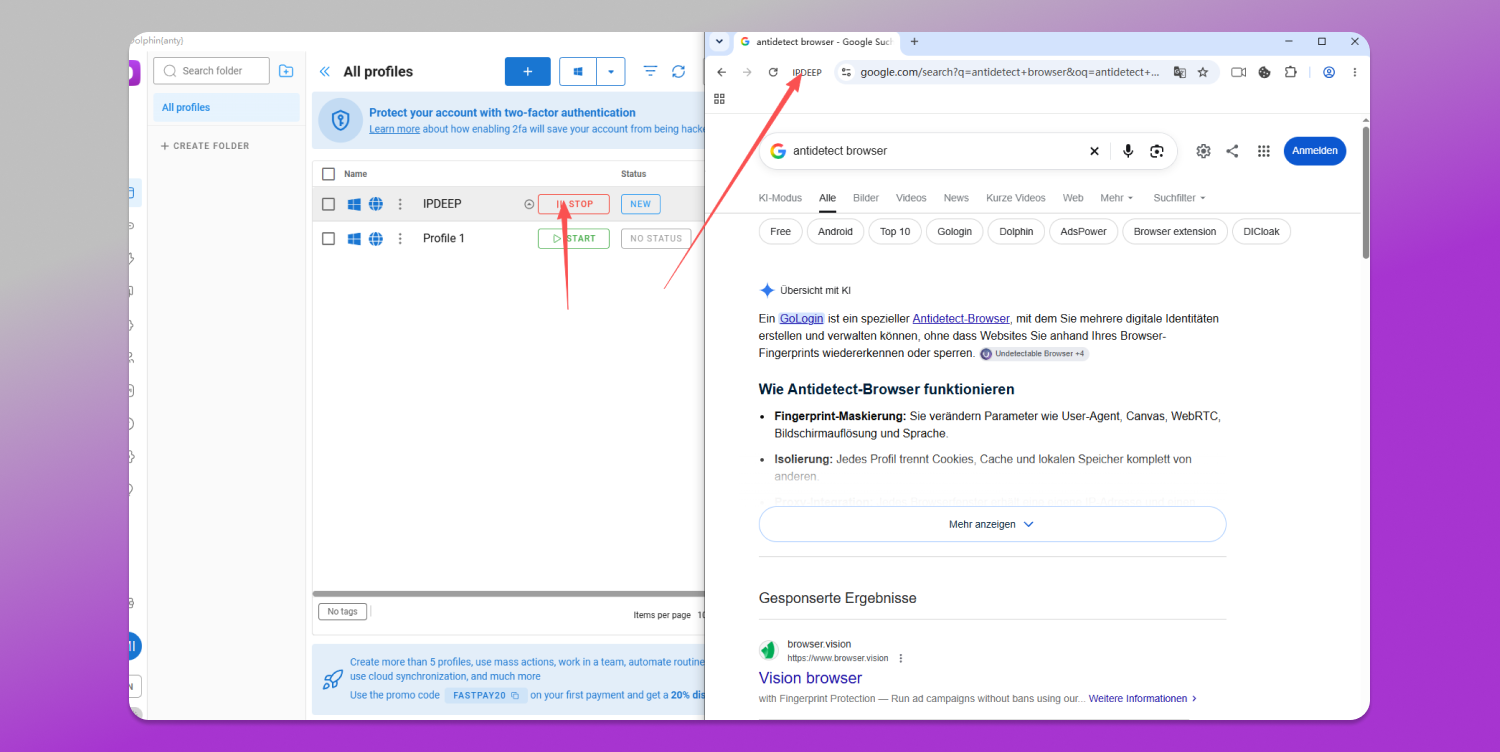
6. Once setup is complete, launch the browser profile configured with your IPDEEP proxy.
Claim Your $2 Voucher
After creating your IPDEEP account, open the dashboard and scan the QR code to follow the WeChat service account or connect with the Telegram bot to claim a $2 voucher.
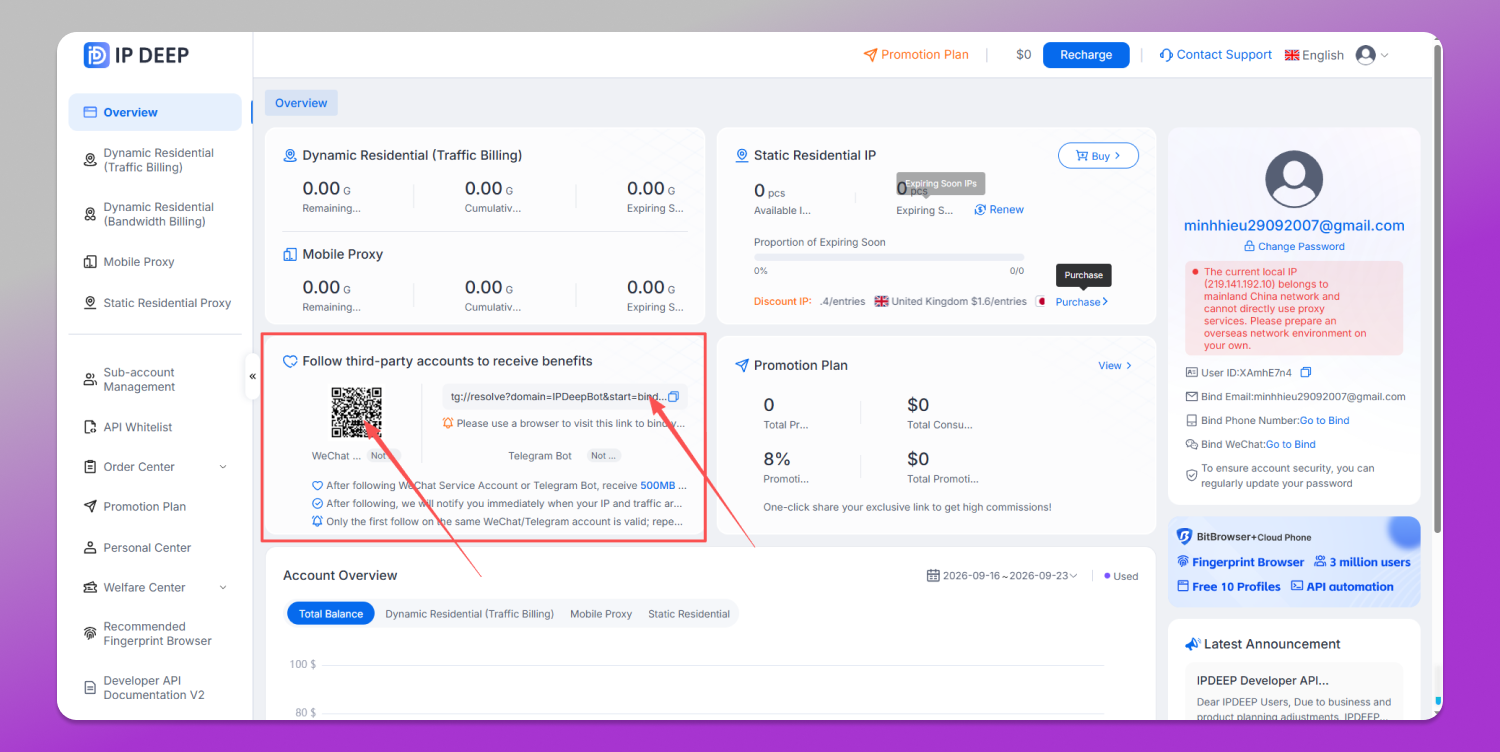
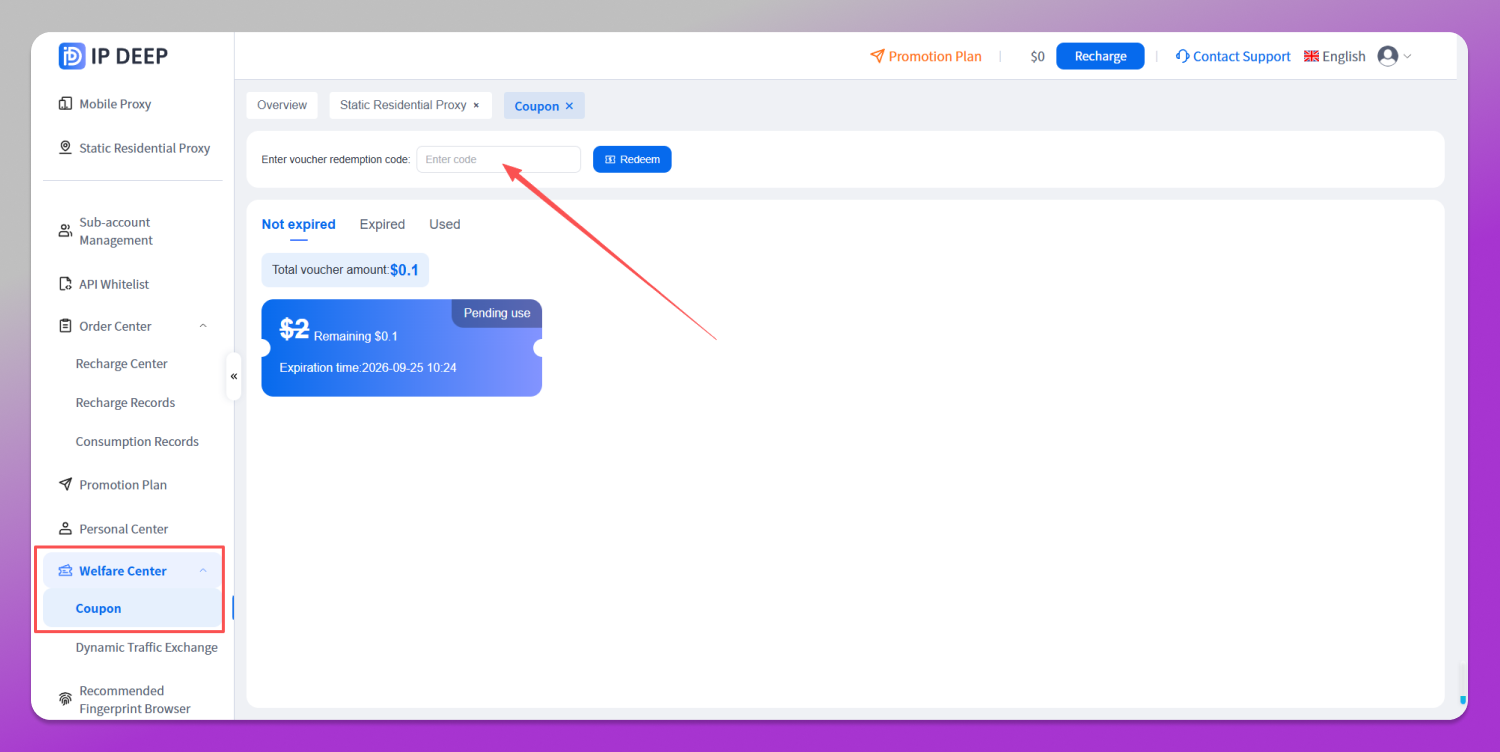
Go to ⭐ Rewards Center > Vouchers and enter your redemption code. You can apply the voucher toward your next proxy purchase.