

How many Steam accounts can you have? Valve sets no limit on how many one person can register, and Steam Support states plainly that you can use different accounts from one computer, but only one account at a time.
That covers the player with a second account, the reviewer keeping work builds away from a personal library, the trader running a storefront account and a storage account, and the family sharing a library. What it does not cover is the line between a normal setup and a rule violation, or the question that decides everything once something goes wrong: what actually ties your accounts to each other.
How Many Steam Accounts Are You Actually Allowed to Have?
There is no stated cap. Register a second account, a fifth, a tenth. Valve does not publish a ceiling. The Steam Support page “Steam Account Use” puts the practical limit somewhere else: “Yes, you can access different Steam accounts from one computer. However, you may only access one account at a time.” The same page notes that accounts on one machine share the core files of a common game while keeping their own custom content and configuration.
Two consequences follow, and both surprise people. First, nothing moves between your own accounts. Games, DLC, wallet balance, Steam Points, inventory, achievements, playtime. A license is granted to one account and stays there. If you bought a game on the account you stopped using in 2015, buying it again on the new one is the only route Valve offers.
Second, each account carries its own history: its own bans, trade restrictions, support tickets and community standing. Accounts are separate for you. Whether they look separate to Valve is a different matter.
What the Steam Subscriber Agreement Actually Says
The Steam Subscriber Agreement is the document that governs all of this, and one clause in it does more work than any other: “You may not reveal, share or otherwise allow others to use your password or Account except as otherwise specifically authorized by Valve.”
Read that clause slowly if you run accounts for a team or a studio. Selling an account, buying one, renting one, handing credentials to a contractor, parking a shared login in a password manager everyone can open. All of it sits on the wrong side of that sentence. The rule is not about how many accounts exist. It is about who is allowed behind the login of any one of them.
The $5 Rule: Why a Brand-New Account Can’t Do Much
This is the most common question in the cluster, and the answer is on the Steam Support page “Limited User Accounts”. A new account starts limited. Until $5.00 USD has been spent on that specific account in Steam, most community features stay closed: sending friend invites, opening a Steam Community profile, posting in discussions and reviews, trading, using the Steam Market, sending Steam Chat messages to non-friends.
Valve’s stated reason is spam, phishing and scam operations run from disposable accounts. Making abuse cost money kills most of it.
The practical takeaway matters more than the threshold. A fresh account is not a working account. A trader cannot trade on it, a reviewer cannot post from it. If your second account has a job, that job begins once the spend requirement is met on that account.
Four Legitimate Reasons People Run More Than One Steam Account
Forum threads lump these four together. The rules, the risks and the setup differ.
Personal Library vs. Work Account
Streamers, review writers, studio QA staff, localization testers, community managers. All of them hold review copies, playtest builds and pre-release keys that have no business sitting next to a personal games library.
The failure mode is mundane and common: everything lives in one browser, someone opens the Steam Store in a tab that still holds the personal session, and a review key gets activated on the wrong account. There is no undo. A license lands where you activated it. The same setup produces mixed Steam Community sessions, tickets filed from the wrong identity, and the worst habit of all, a team sharing one login because that felt simpler than assigning access.
Testing and Review Accounts
A clean account with no purchase history, friends list or regional settings shows what a stranger sees: how a store page renders, how the review score reads, what the wishlist flow feels like from zero. Remember the spend requirement. A clean account cannot post the review it was created to check.
Family Access: What Steam Families Actually Gives You
Steam Families is Valve’s own feature, not a multi-account workaround and not something a browser tool provides. It is worth stating plainly, because the two ideas get confused constantly.
According to the Steam Support page “Steam Families User Guide & FAQ”, Steam Families replaced both Steam Family Sharing and Steam Family View. The size is fixed: you can invite up to five people, so a family holds up to six members including whoever created it. It can be managed from the Steam client, from a mobile device or from a browser. Ownership does not change: the person who bought the game still owns it, and every member keeps their own saves, achievements and progress. Not every game can be shared, and VAC-protected titles carry restrictions.
If shared access is what you need, this is the supported route. It also has the sharpest teeth, which comes up in the sanctions section below.
Regional Accounts
Steam operates regional storefronts with regional pricing, and Valve applies rules to how and when a store region changes. That is the whole of what belongs here. No method for changing a region, and no setup involving VPNs, proxies or foreign payment details for pricing purposes. Valve restricts those schemes.
Trading Accounts
Traders run several of their own accounts on purpose: one holding the public inventory, one storing long-term items, one handling active offers. Everything happens on Steam’s web surface. The Steam Market, trade offers, inventory pages and community profiles are web pages, opened in a browser, carrying cookies and a session.
Which is where the pain starts. Three accounts opened from the same browser, on the same machine, behind the same IP, sharing cookies and one saved session, are not three separate identities. They are one identity with three logins. When one picks up a trade restriction, the others are the first place anyone looks.
What Steam Does Not Allow
No instructions here, just the list. Knowing where the wall is beats discovering it.
- Selling, buying, transferring or renting Steam accounts, and sharing your password with anyone Valve has not specifically authorized.
- Working around trade restrictions, trade holds, cooldowns or Steam Guard.
- Creating a new account to return after a ban. Ban evasion is treated as its own offense.
- Sharing a library outside the mechanics Steam Families provides.
- Third-party bots, boosters and automated market tools.
- Buying in cheaper regions through changed IPs, proxies or payment details.
All of it traces back to the Steam Subscriber Agreement and the Online Conduct Rules.
How Steam Accounts Get Linked to Each Other
Linkage is ordinary technical residue, accumulating whether you intend it or not.
One device, one browser. The strongest signal there is. Same browser profile, same stored cookies, same saved session, same autofill.
One IP address. A home connection, an office network, a shared VPN exit. Multiple logins from one address at similar times form a pattern.
Shared cookies and sessions. Logging out of the Steam website does not erase what the browser kept about the machine and the session before it.
One email address and one phone number. Whether Valve lets a single address sit on several accounts is a question only its own support pages answer, and guides repeat both readings of it. The part that does not depend on the wording is the consequence: a shared address or number is a direct connection between the accounts, visible to Valve on day one, so give each account contact details of its own.
Shared payment methods. One card, one billing address across several accounts, all recorded in purchase history.
Cross trades between your own accounts. Moving items from account A to account B builds an explicit graph that anyone reviewing a case reads in seconds.
An identical browser fingerprint. Screen resolution, timezone, language list, fonts, canvas and WebGL rendering, hardware concurrency. Two accounts producing the same fingerprint are being used from the same setup, and no login page hides that.
VAC Ban, Trade Ban and Account Suspension Are Three Different Things
People use “banned” for all three. They come from different systems.
VAC ban. Valve Anti-Cheat fires in the game client, on a specific game, when it detects cheat software on the machine. Game-scoped, applied to the account that was playing, and there is no way back: VAC bans are permanent, non-negotiable, and cannot be removed by Steam Support.
Trade and market restrictions. These come from the trading system, not the anti-cheat: trade holds, cooldowns after a password change or a new device, limits after suspicious activity, market restrictions on a limited account. The durations are published. A trade is held for 15 days if the Steam Guard Mobile Authenticator was enabled only recently, and trades made in the first 7 days after adding the authenticator are held for up to 15 days.
Account suspension by Steam Support. An administrative action for a violation of the Subscriber Agreement or the conduct rules. This one reaches the whole account rather than a single game or feature.
The overlap that matters most sits in Steam Families. A family is the creator plus up to five invited members, six accounts in all, and it replaced both Family Sharing and Family View. Sharing a library means letting other people play titles that are attached to your account, in games where enforcement is unforgiving: a VAC ban is, in Valve’s words, “permanent, non-negotiable, and cannot be removed by Steam Support.” That makes the composition of a family group a security decision rather than a courtesy, so be careful about who joins yours.
Where Browser Isolation Helps and Where It Does Not
Steam is two surfaces. A browser tool works on one and has no reach into the other.
Covered, because it happens in a browser:
- The Steam Store website and store pages.
- Steam Community profiles, groups and discussions.
- The Steam Market, listings and price history.
- Trade offers and inventory pages.
- Logging in and working through the Steam website, including web Steam Support and Steam Families management.
Not covered, because it happens outside the browser:
- The Steam desktop client and its own device identifiers.
- Steam Guard tokens and the mobile authenticator.
- Valve Anti-Cheat and anything happening inside a game.
- In-game sessions, matchmaking and game telemetry.
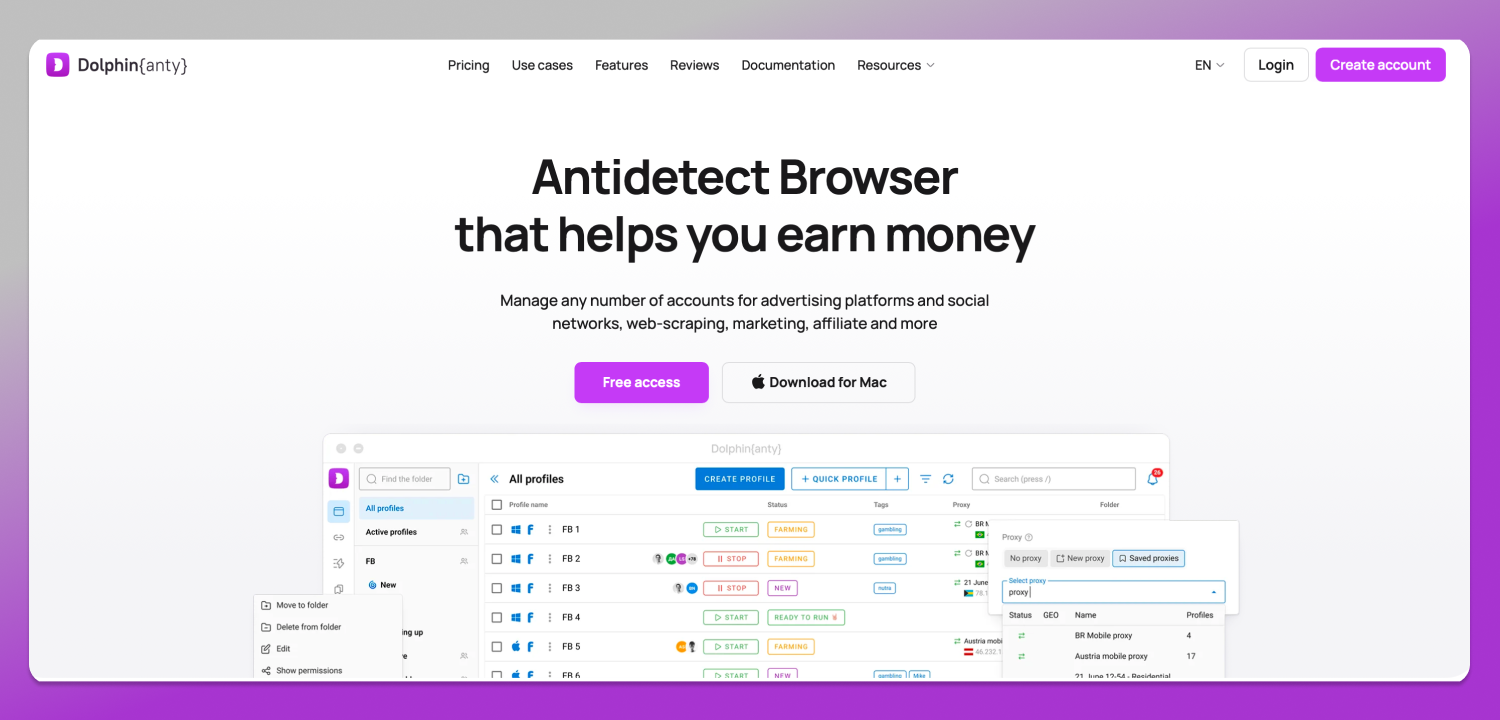
This is where Dolphin Anty fits, and only here. It is a desktop antidetect browser for Windows, macOS and Linux, where every Steam web session opens in its own profile with its own fingerprint, its own cookie store and its own proxy. The scope is Steam’s web surface. The desktop client, Steam Guard and anti-cheat sit outside any browser, so no browser profile isolates them, and none of this prevents a VAC ban or a trade restriction on an account that earned one.
Practical Hygiene if You Already Run Several Accounts
- Give each account its own recovery email and phone number, whatever the platform tolerates. Recovery is easier and linkage is weaker.
- Keep payment methods separate per account where your bank and your region allow it.
- Run each account’s web sessions in its own browser profile, with cookies that never mix.
- Assign a dedicated IP per profile rather than routing everything through one exit. Dolphin Anty integrates with proxy providers directly, and provider details sit on the Dolphin Anty partners page.
- Stop trading items between your own accounts. Every self-trade draws the map for you.
- Distribute team access by rights, not by password. That is the Subscriber Agreement clause applied: a teammate gets scoped access to a profile, never your Steam password. Dolphin Anty handles team access as roles and permissions, and available profiles and seats depend on the plan listed on the Dolphin Anty pricing page.
- For routine web work such as Steam Market price monitoring, the Remote and Local API plus Selenium, Puppeteer or Playwright driving Dolphin Anty profiles removes the manual clicking, and Synchronizer repeats one action across several profiles. Scraping stays within the platform’s rules, and the volume and rate you choose are your responsibility.
Desktop downloads for Windows, macOS and Linux sit on the 🔥 Dolphin Anty website.
Frequently Asked Questions
Can I have two Steam accounts on one computer?
Yes. Steam Support’s “Steam Account Use” page says you can access different accounts from one computer, but only one at a time. The client remembers usernames, so switching is a dropdown.
Can I use the same email address for two Steam accounts?
The claim that Valve allows it is everywhere, and it traces back to a Steam Support page on contact email conflicts whose exact wording could not be confirmed. Separate addresses are the better choice regardless: recovery is cleaner and the accounts are less obviously connected.
What happens to Family Sharing if one account gets banned?
Steam Families replaced Family Sharing and Family View. Valve’s Steam Families guide is understood to say that cheating or fraud by a family member in a game you shared can cost your family privileges and can result in a VAC ban on your account; the exact wording is worth checking on the page itself before you rely on it.
Does my game library transfer between my own accounts?
No. Licenses, purchases, wallet funds and inventory stay on the account that acquired them.
Steam Deck: can I keep several accounts on one device?
Yes, a Steam Deck stores multiple accounts and switches between them the same way a desktop does, one active at a time. Device-level details belong to Valve’s current Steam Deck support pages, which are also where any device-specific restriction would be stated.
Is having a smurf account against the rules?
Owning a second account is not prohibited. Using it to evade a ban or dodge matchmaking penalties is, and individual games apply their own policies on top of Valve’s.
How do I switch between Steam accounts without logging out?
The Steam client keeps a list of remembered usernames and switches from that menu, closing the current session, since only one account is active at a time. On the web surface, a separate browser profile per account keeps each session live independently.
Why can’t my new account add friends or trade?
Because it is a limited user account. Community features unlock after $5.00 USD is spent on that account in Steam, as described on Steam Support’s “Limited User Accounts” page.
Bottom Line
Steam does not restrict you to one account. Restrictions begin where several accounts are used as one: same device, same IP, same cookies, same fingerprint, same card. When something goes wrong on one of them, those connections are what gets examined. So decide which of the four scenarios you are in, keep the accounts technically separate from the first login rather than after the first warning, and treat the desktop client and anti-cheat as territory no browser setting reaches.