Why Do Your Profiles Keep Getting Banned
Blog » Why Do Your Profiles Keep Getting Banned
Imagine this… You have just set up your brand new profile on 🚀 Dolphin Anty. Every type of fingerprint is randomized, canvas noise is set up, the WebGL renderer is turned on, and hardware concurrency is enabled – everything is perfect. Your profiles look exactly like a real browser.
Then you try surfing your target website… 😐 “Account suspended”… Again.
And do you want to know what the really frustrating part is? It’s probably not even your Dolphin Anty browser profile that is the cause of your suspensions.
The Invisible Problem Killing Your Accounts
The truth is… browser fingerprinting is only half the battle to getting an undetectable browser working on your target site.
Even if you have the most sophisticated profiles in the entire world, if you’re 👉 running the browser on datacenter IPs that have been 🚩 flagged hundreds or even thousands of times before by previous users, the platform will shut you down in minutes.
You need to think about it from the platform’s perspective. You get five brand-new accounts, all using different fingerprints, but they are all connecting from the same IP in Frankfurt that has spammed your platform for the last three months. No matter what canvas hash you’re using, that looks suspicious.
Like everything else, platforms have also evolved. They do more than just check your fingerprints; they actually analyse your IP reputation, geographic position, and even your behaviour for patterns if it’s a really advanced system.
Well, what Triggers Account Bans?
Let’s cut to the chase and discuss what patterns actually flag accounts.
📌 IP Reputation Issues – That “private” proxy ip you bought yesterday might have been used by affiliate marketers for the last couple of months. Platforms log all IP addresses to prevent abuse.
📌 Geographic Mismatches – Your profile might claim to be a small business located in Chicago, but your IP says otherwise. Platforms have systems that cross-reference this instantly.
📌 Connection Instability – You disconnect mid-session, your proxy times out while you are checking out, or your IP rotates while you browse. None of these are signs of human activity.
📌 IP Reuse Patterns – Even if you have rotating proxies, if account A and account B both connected through the same IP within the past 48 hours, algorithms will notice.
Why Most Proxies Fail
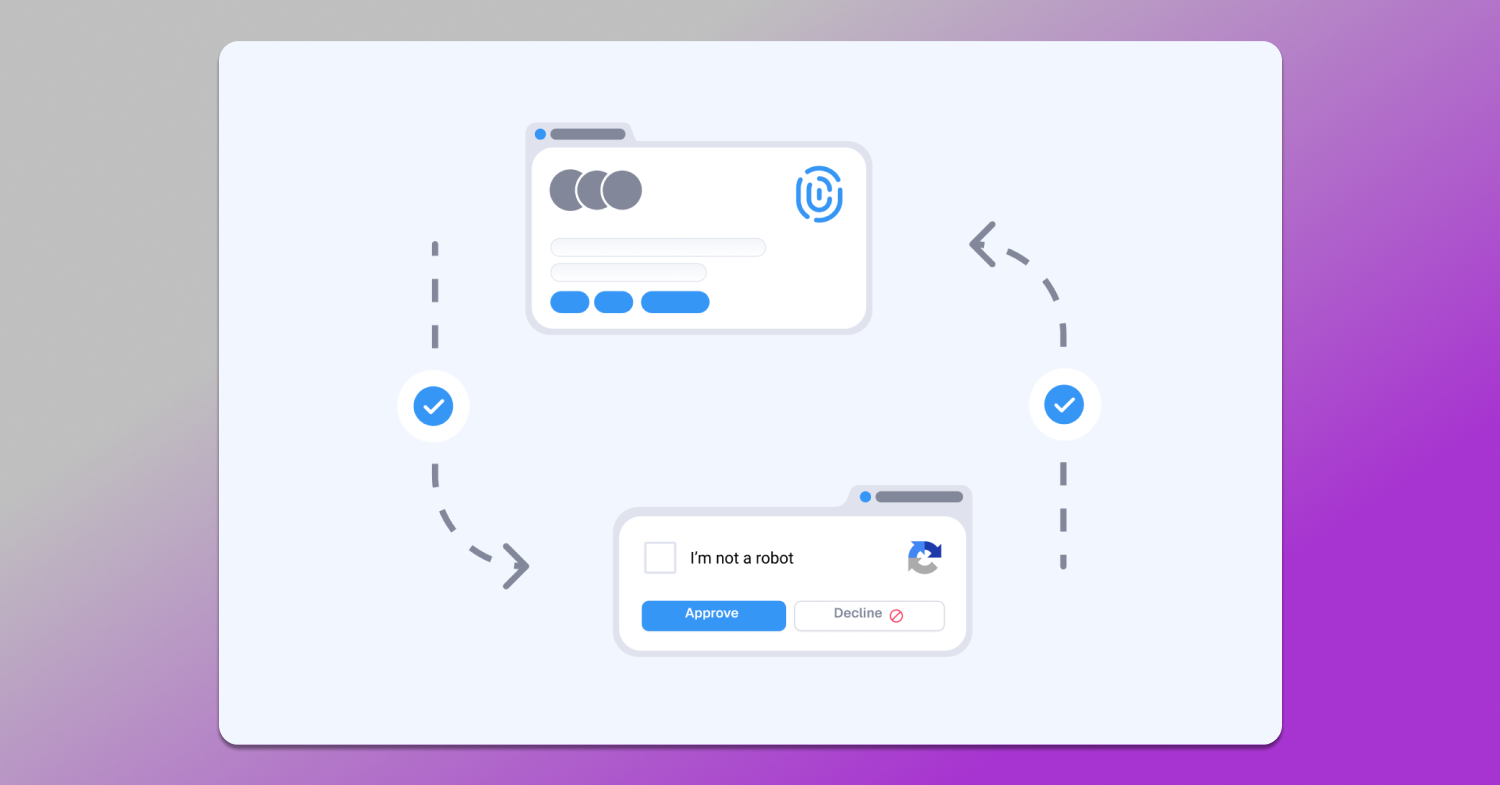
The proxy industry is packed with misleading and false claims. The following things are what actually matter:
- The “Residential” Deception. Many of the so-called “residential” proxies are actually just datacenter IPs registered using ISP names.
- Oversold Infrastructure. Budget providers are rotating the same IP pool across thousands of unaware customers.
- Poor Geographic Targeting. “US proxy” isn’t enough to stop algorithms. If your account is supposedly from Denver, but your IP shows up as “United States” without any state, that triggers alerts.
- Bad Rotation Timing. Some providers force your IP to rotate every few minutes, which is great for scraping but terrible for social media use, where it looks like account hijacking.
How IPCloud Solves the Proxy Problem for Dolphin Anty
Here’s how IPCloud operates fundamentally differently for multi-account use:
🏠 Genuine Residential IPs – Over 10 million actual IPs from consenting devices, not falsely labeled datacenter proxies. When your platform sees traffic from a Comcast residential connection in Chicago, everything looks normal.
🌏 City-Level Geographic Precision – When you target Denver, it shows up as Denver, not just “Colorado”. This really matters because platform algorithms expect geographic consistency with your IP.
🛠 Session Control That Makes Sense – Sticky sessions are mandatory for platforms requiring consistency. Smart rotation, on the other hand, is needed for data collection. IPCloud lets you choose, case by case, what you need.
📋 Multiple Proxy Types for Different Use Cases:
- Residential Proxies – Best for social media platforms (~$0.20/account monthly)
- Datacenter Proxies – Works for lower-security platforms (70% cheaper)
- Static ISP Proxies – Premium hybrid approach for aged accounts
- Mobile Proxies – Essential for mobile app automation and browsing
Setting Up IPCloud with Dolphin Anty (Actually Simple)
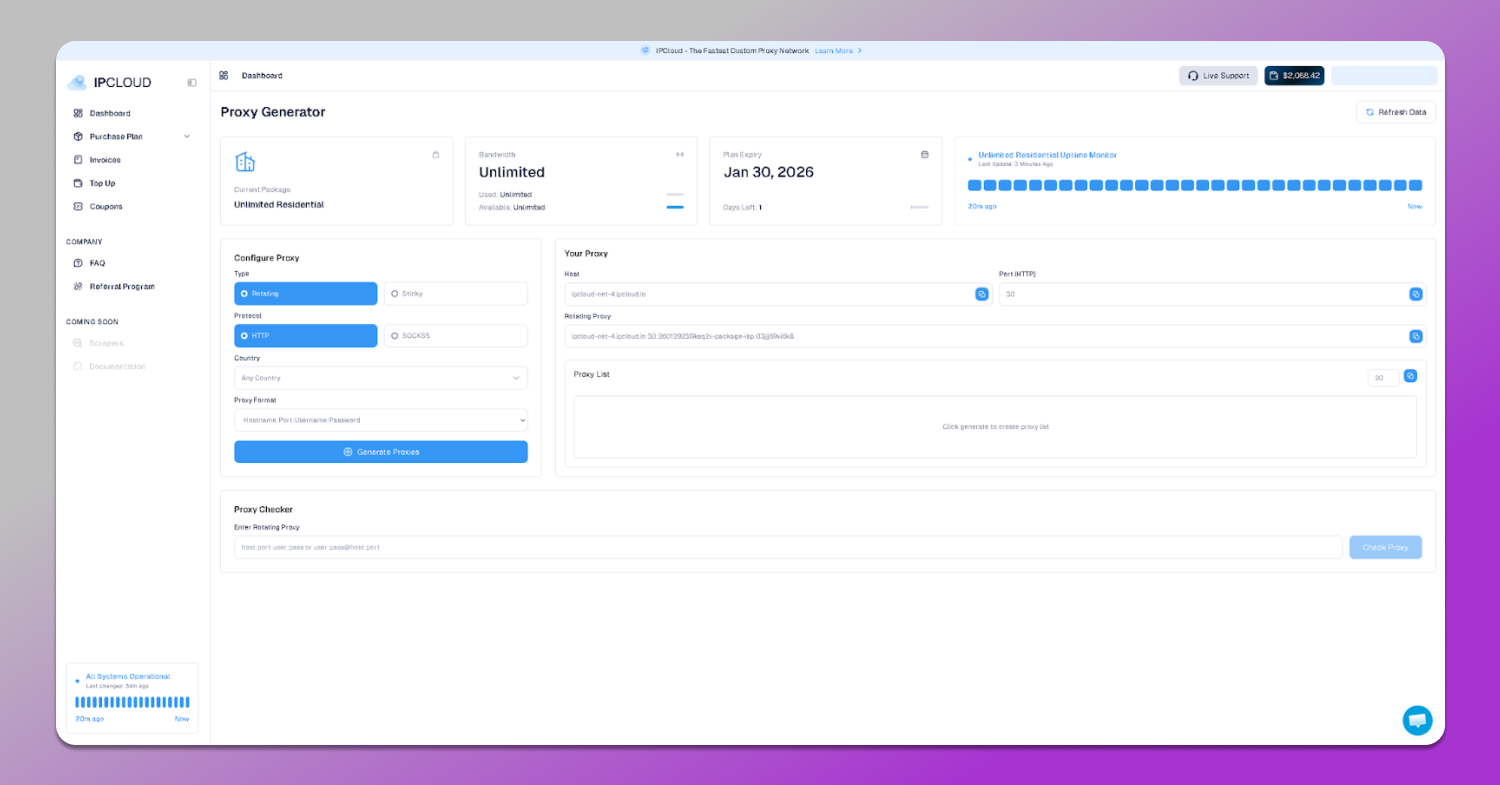
Step 1: Configure Your Proxy (2 minutes) In the IPCloud dashboard, select the location your account’s claims are in, set your session type and format, and then copy your proxy string.
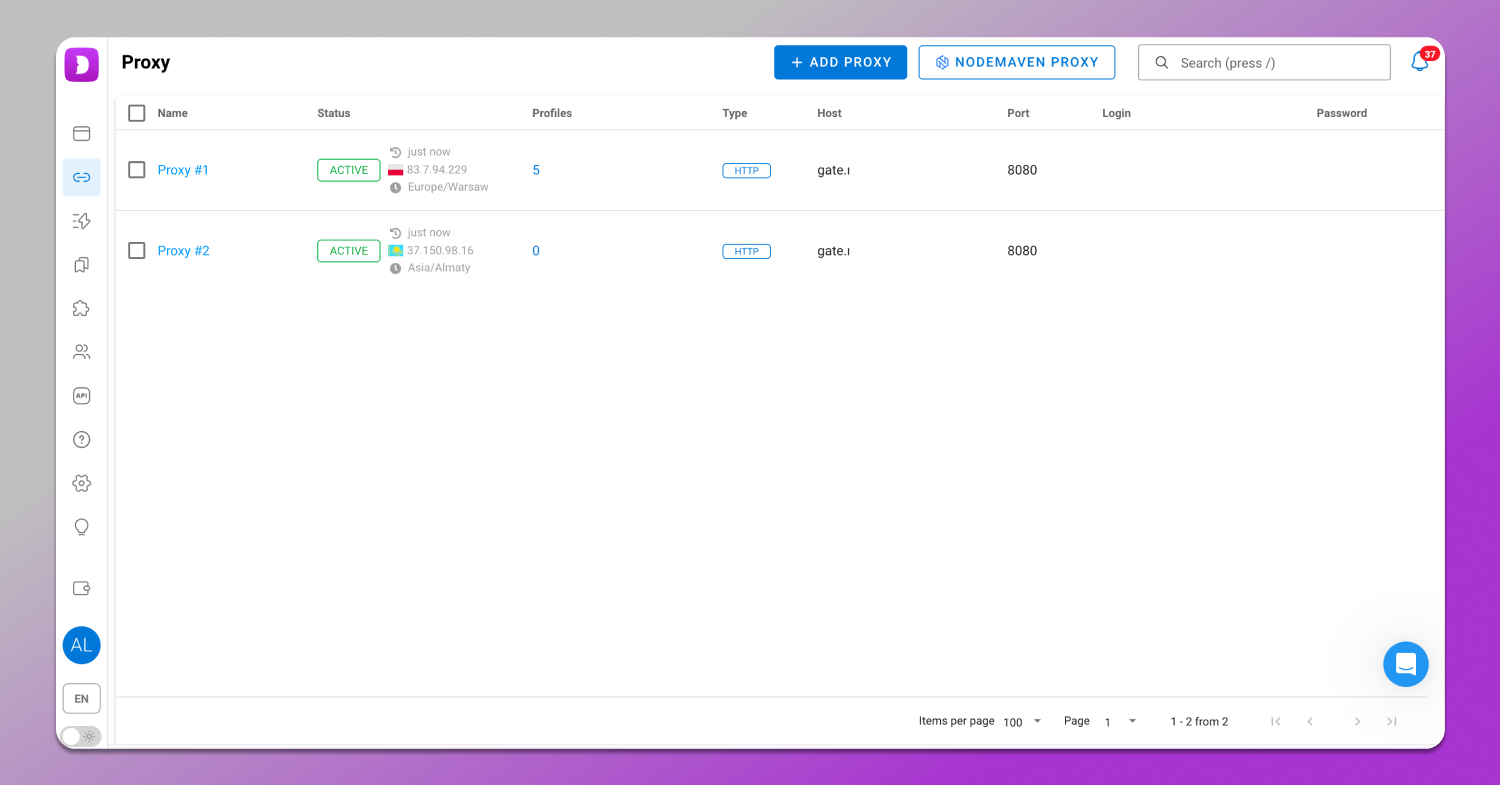
Step 2: Add to Dolphin Anty (1 minute) For single profiles: Create a new profile, go to the proxy section, paste in your credentials, and check the connection. For bulk setup: Go to the proxies tab, add your proxy, import your list and auto-assign to profiles.
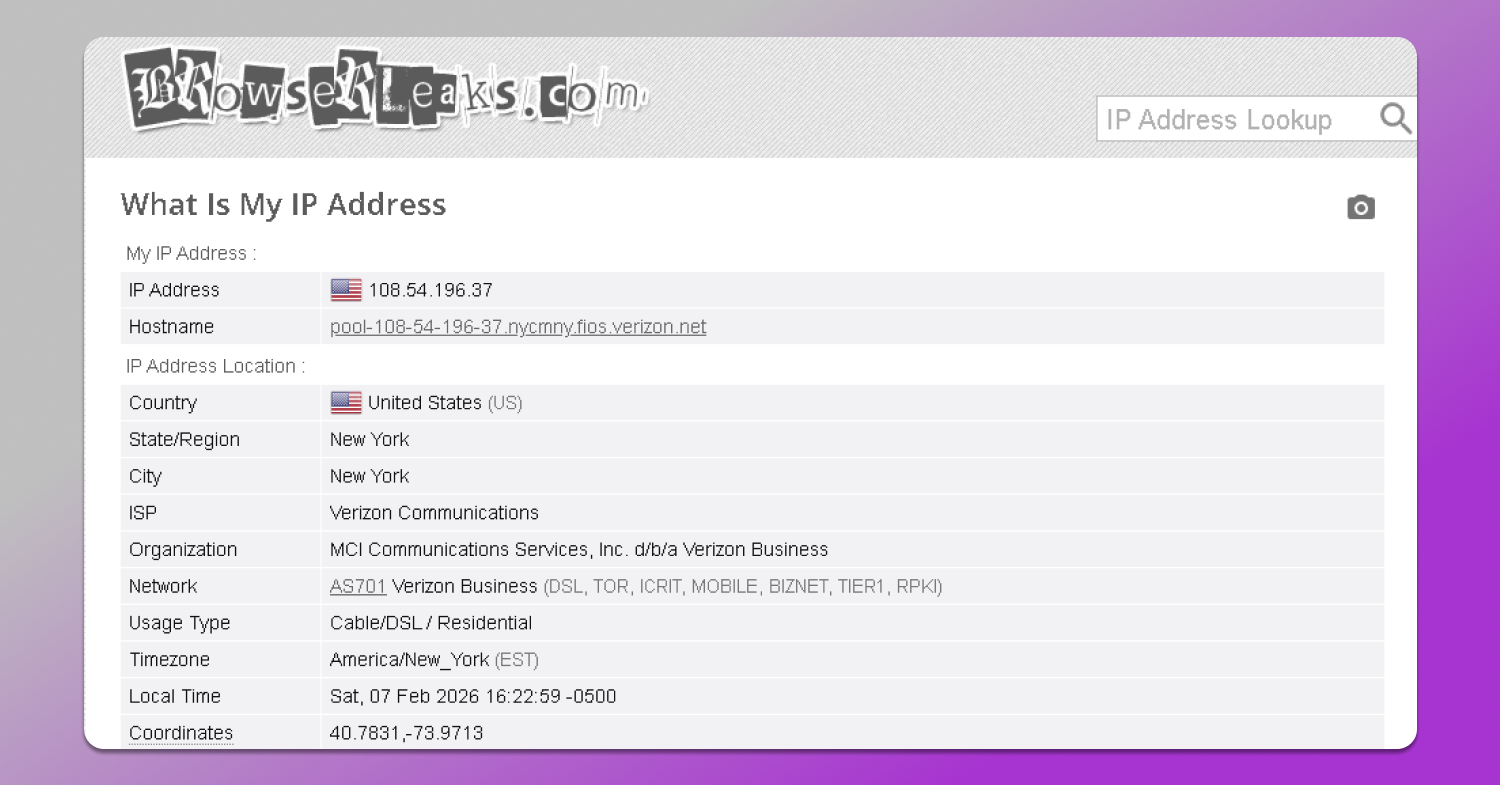
Step 3: Verify (30 seconds) Visit browserleaks.com/ip to confirm your IP matches the location.
Total setup time: 🕓 Under 5 minutes.
Platform-Specific Strategies
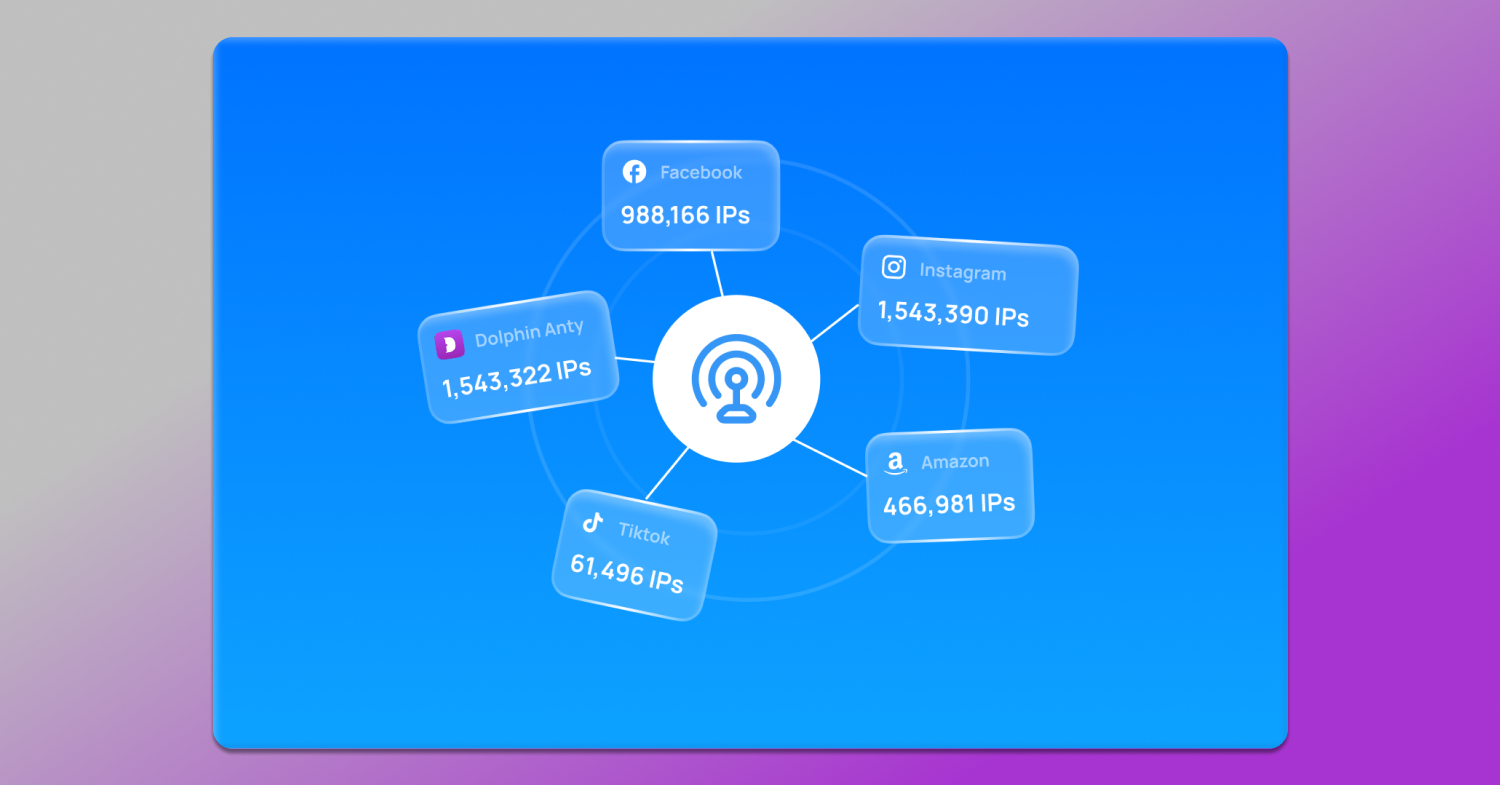
Facebook Ad Accounts: Residential proxies with sticky sessions. Match the location exactly. Keep the same IP for your entire campaign creation process. Cost: ~$0.20-0.40/account monthly.
Instagram Management: Residential or mobile proxies matching the account location. Daily IP changes are usually fine. Cost: ~$0.15-0.30/account monthly.
Amazon Seller Accounts: Static ISP proxies matching the business registration address. Same IP for weeks or even months. Higher cost, but operational necessity.
TikTok Creator Accounts: Mobile proxies matching your target audience region, with weekly IP changes being fine. Cost: ~$0.25-0.50/account monthly.
Critical Mistakes to Avoid
Sharing Proxies Across Accounts. Using 10 proxies for 50 different accounts? If one gets banned, the shared IP destroys it for all others. Dedicate one IP per platform.
Rotating During Critical Actions. IP changes mid-checkout get flagged as session hijacking. Use sticky sessions for state-changing actions.
Mismatched Fingerprints. New York timezone with California IP? These inconsistencies guarantee getting flagged. Match your proxy location, profile timezone, and account location.
The Real Cost Comparison
Let’s say you’re running 50 Facebook ad accounts:
💰 Budget Approach: Cheap datacenter proxies ($30/month) + 60% ban rate = $1,530/month total cost, including replacements.
🤓 Smart Approach with IPCloud: Residential proxies ($100/month) + 5% ban rate = $250/month total cost.
The “expensive” residential proxies save you $1,280 monthly – 83% cheaper in real terms.
Special Offer for Dolphin Anty Users
Use code DOLPHIN20 to get ⬇️
- 20% off your first purchase
- 100MB residential proxies free (test 5-10 profiles)
- Priority support for integration help
The 🆓 free trial lets you verify the improvements before committing.
The Bottom Line
🔥 Dolphin Anty creates the perfect isolation between your browser profiles. But that isolation doesn’t do anything if all your “different people” are connecting through the same overused IPs.
Modern platform algorithms analyze your entire digital presence: IP + fingerprint + behavior + timing + location + connection stability. One weak link can bring the whole account down.
☁️ IPCloud provides the IP diversity, geographic accuracy, and connection stability you need to match Dolphin Anty’s fingerprint quality. Together, they create a perfect digital synergy that platforms can’t distinguish from real users.
Use code DOLPHIN20 for 20% off your first order.