Multiaccounting on LinkedIn for Business
Blog » Multiaccounting on LinkedIn for Business
Who Is This For and Why Does It Matter?
LinkedIn has long outgrown its role as a simple resume-hosting platform. Today it is one of the 📣 largest B2B channels for sales, recruitment, partnership building, reaching decision-makers and scaling businesses. With over a billion registered users and millions of companies on the platform, almost every connection can hold real professional value.
However, LinkedIn has one important peculiarity: it operates on the principle of “one person — one profile”. For individual users this makes perfect sense as they are responsible only for themselves and their own careers.
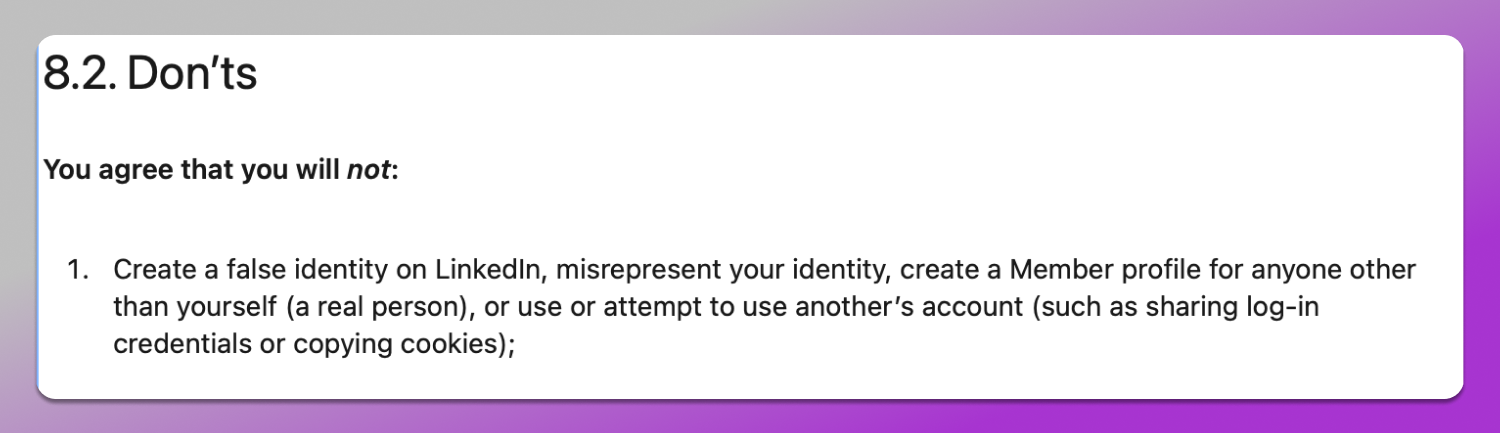
For businesses, however, things are not that straightforward. As soon as LinkedIn is used systematically and at scale, ❌ limitations appear that simply cannot be bypassed within a single account, even if that account is registered under a company. This is exactly why businesses turn to multiaccounting as a way to scale their operations while staying within the platform’s existing constraints.
In this article we are going to discuss who in the business world can benefit from using multiple LinkedIn accounts, how to work around platform limitations and how to do it without triggering antifraud systems or risking a ban.
LinkedIn as a Source of Business Connections
Unlike most social networks LinkedIn is not designed to entertain its users. Instead, people come to the platform to 🔎 find contractors, employees, clients, investors, partners and other professional contacts. Job titles aren’t hidden here and reaching a CEO, department head or top executive is often straightforward. Sometimes all it takes is a connection request (and in some cases, even that isn’t necessary if you have a subscription) followed by a message.
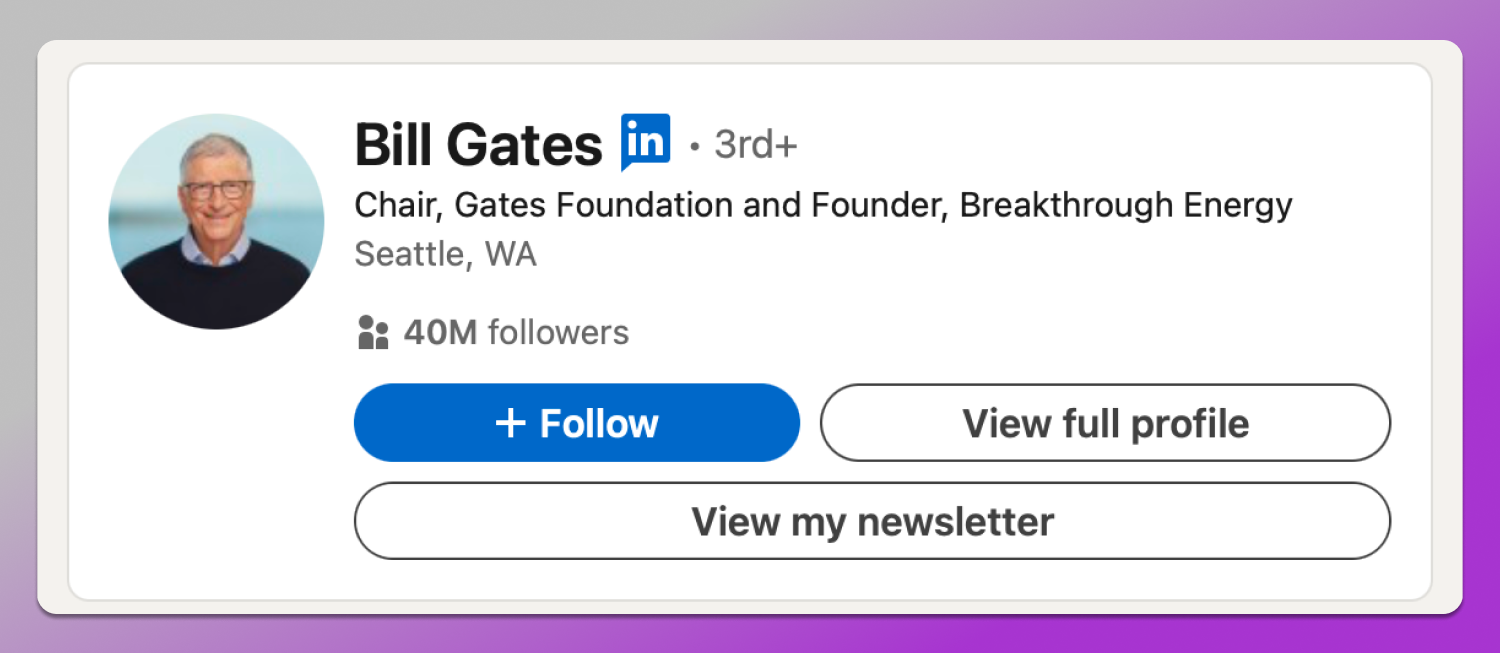
For B2B this means direct access to an audience that is already in a professional mindset and actively focused on growth. However, the more actively a business uses the platform, the faster 😐 limits on connection requests, messages and overall activity come into play. In other words, even when operating fully within the rules, a single profile may simply not be enough to handle all tasks.
Who in Business Needs Multiaccounting
Multi-accounting on LinkedIn can be useful across a wide range of professional activities. Let’s take a closer look at the most common use cases.
HR and Recruitment
For recruiters LinkedIn is the primary working tool, especially when it comes to high-volume hiring, multiple open roles and working with several clients at once. A single account, particularly one associated with a large international company, quickly runs into messaging limits.
On top of that, mixing vacancies from different industries, seniority levels and companies within one profile can create confusion and reduce trust among candidates. Multiple accounts make it possible to separate these flows: different markets, different clients and different types of roles.
B2B Businesses and Sales
Companies that rely on LinkedIn for active sales, lead generation and partnerships face a different challenge. Sales simply don’t scale through a single personal profile. When several managers operate from one account on behalf of a brand, this leads either to access management chaos or to a high risk of account suspension due to abnormal activity from different IP addresses. Multiaccounting allows teams to distribute roles, segments and geographies without breaking the platform’s logic or putting the main account at risk.
Amazon Sellers and E-commerce
For professionals working with Amazon and other marketplaces, LinkedIn serves as a channel for finding suppliers, logistics partners, agencies, investors and team members. Often, the same person or company collaborates with multiple brands across different directions.
Using a single profile for everything is not always practical as it can look unprofessional. When you see an account promoting unrelated products or services, it can create the impression that the person is trying everything at once instead of building expertise in a specific niche. Multiple accounts make it possible to separate communication channels by brand and market, while keeping each profile clean, focused and relevant.
As a result, multiaccounting on LinkedIn is not about bypassing the rules. It’s rather about 🛠 organizing work efficiently when the platform is used simply as a business tool.
Why Multiaccounting Has Become a Necessity
As we’ve already seen, the issue with multiple accounts is not rooted in the desire to deceive LinkedIn, but in the fact that the platform is not yet fully adapted to real-world business processes. Limits on connection requests, strict activity monitoring and the lack of proper team collaboration features all stand in the way of scaling.
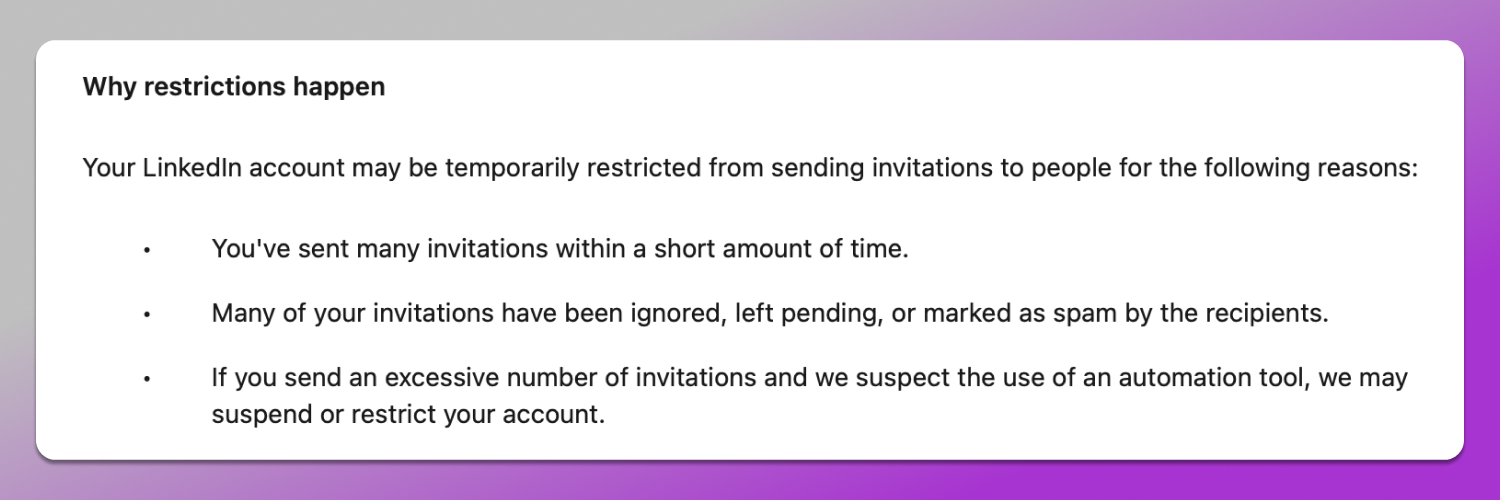
As a business grows, a single account quickly becomes a bottleneck and the cost of risking becomes too high especially when it already holds a large and valuable network of connections.
How LinkedIn Treats Multiaccounting
LinkedIn’s official stance is clear and has remained unchanged for quite some time: ☝️ one person — one account. The platform actively fights multiaccounting by using digital fingerprint analysis, behavioral analytics as well as automated and manual reviews. If the system detects that multiple accounts are linked through shared parameters — both technical and behavioral — all of them may be suspended at once. This can happen without warning and with very limited chances of recovery, even if you try to explain the situation to support.

Add here the constantly evolving 🔐 security algorithms and antifraud systems, along with an explicit prohibition on sharing login credentials with third parties (even within the same company), and the cost of a mistake increases severalfold.
It’s important to understand that LinkedIn does not evaluate businesses based on their professional operations. For its algorithms, there is no difference between a large corporation with dozens of business lines and an individual user. A violation is a violation.
How Dolphin Anty Helps You Work with LinkedIn
🚀 Dolphin Anty antidetect browser makes it possible to safely and quickly create and manage multiple LinkedIn accounts. Each profile registered inside the browser is a separate digital environment with a unique fingerprint that closely mimics real user behavior.
Here’s how this works in practice, for example, in 👨💻 HR. Recruiters often need to operate several accounts at once: a personal profile and separate accounts for communicating with candidates across different roles or hiring directions.
With an antidetect browser a specialist can create multiple profiles, open them, log into each account once… and that’s it. As a result:
- Recruiters can communicate with candidates from different profiles without constantly logging in and out, simply switching between windows;
- All working sessions are saved and opened in a single click;
- LinkedIn does not link the accounts together, even when they are used on the same computer.
In the end, HR teams get 📋 clear task separation, save time on logins and logouts and significantly reduce the risk of bans related to multi-accounting.
In 🏪 B2B multiaccounting is also widely used to separate business operations by direction and region. With an antidetect browser:
- A separate profile is created for each business line and region;
- Accounts are visually organized inside the browser using tags, colors and notes for easier navigation;
- Managers work only with their own profiles without interfering with one another.
Another challenge that Dolphin Anty solves for businesses is LinkedIn’s tendency to check whether an account matches the region where the company operates.
Using 🔗 proxies inside the antidetect browser makes it possible to:
- Run accounts tied to specific countries and cities;
- Build local networking more effectively;
- Avoid situations where an account from one country is actively messaging users in another.
For international B2B teams this provides a reliable way to scale operations smoothly without drawing unnecessary attention from the platform.
How Multiaccounting Is Implemented in Dolphin Anty
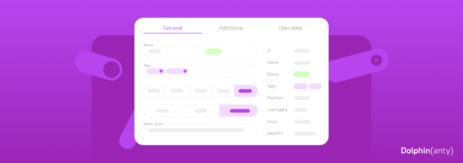
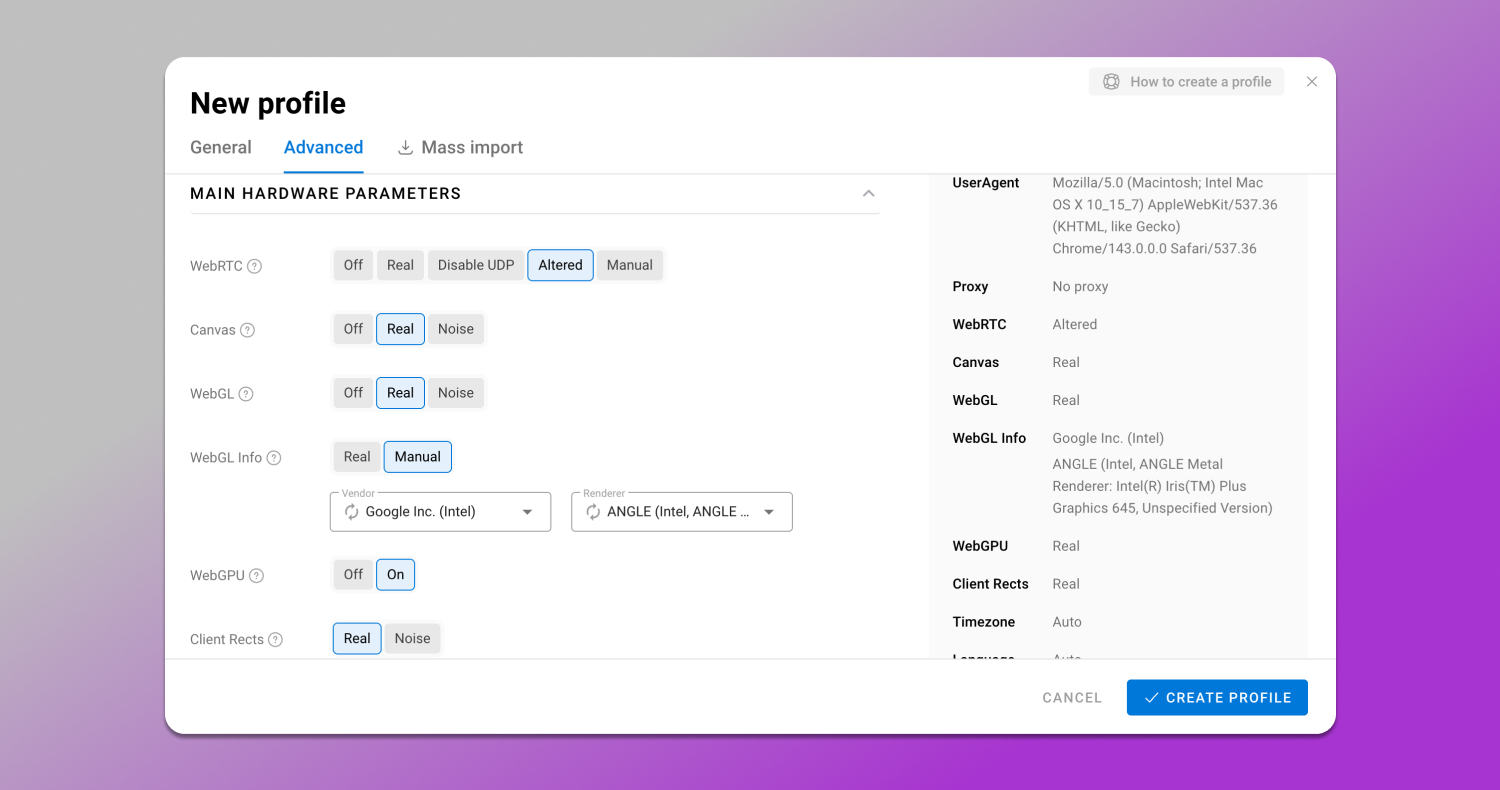
In Dolphin Anty accounts are created in the “Browser Profiles” section. All it takes is clicking the “Create Profile” button. This opens the settings window, where the profile’s digital fingerprint is generated using more than 50 parameters either manually or automatically. When configured automatically, the fingerprint looks as natural as possible and does not raise suspicion from LinkedIn’s security algorithms.
All created profiles are displayed in a list. To keep them organized, Dolphin Anty includes statuses, tags, and notes that can be edited directly in this window. For example, you can:
- Add a note as a reminder to respond to a candidate or supplier;
- Group profiles related to the same business line using tags;
- Assign a status for a quick understanding of what each profile represents.
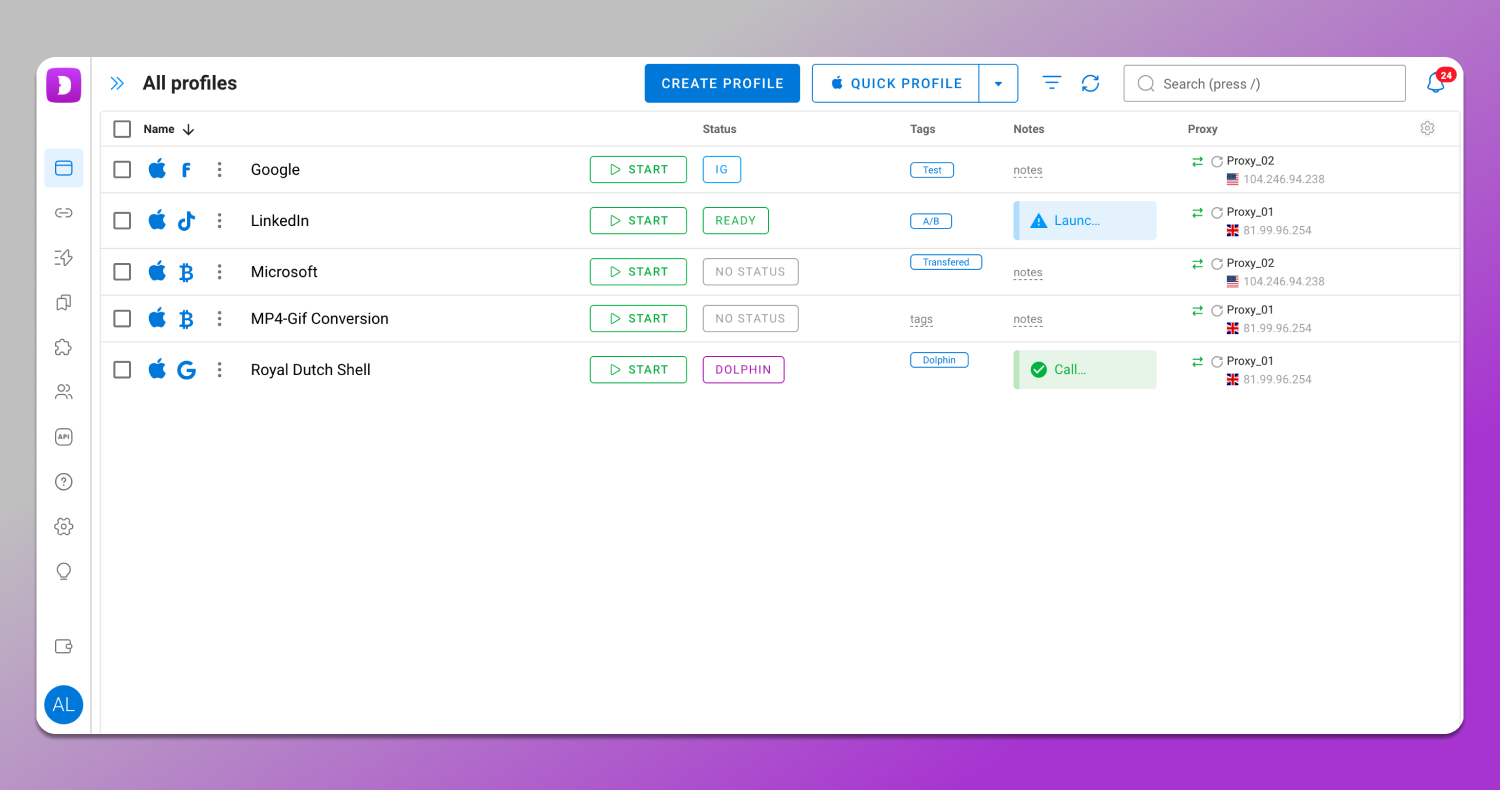
In addition there’s a filter system for quick profile search.
If a profile is tied to a specific region, you can assign a proxy. It only takes a few clicks: simply select “New Proxy” when creating the profile and fill in the required fields. For user convenience, the browser also integrates proxy providers that offer free traffic.
For team collaboration Dolphin Anty includes a roles and permissions system. Each team member gets only the access allowed by the team lead, keeping all processes under control.
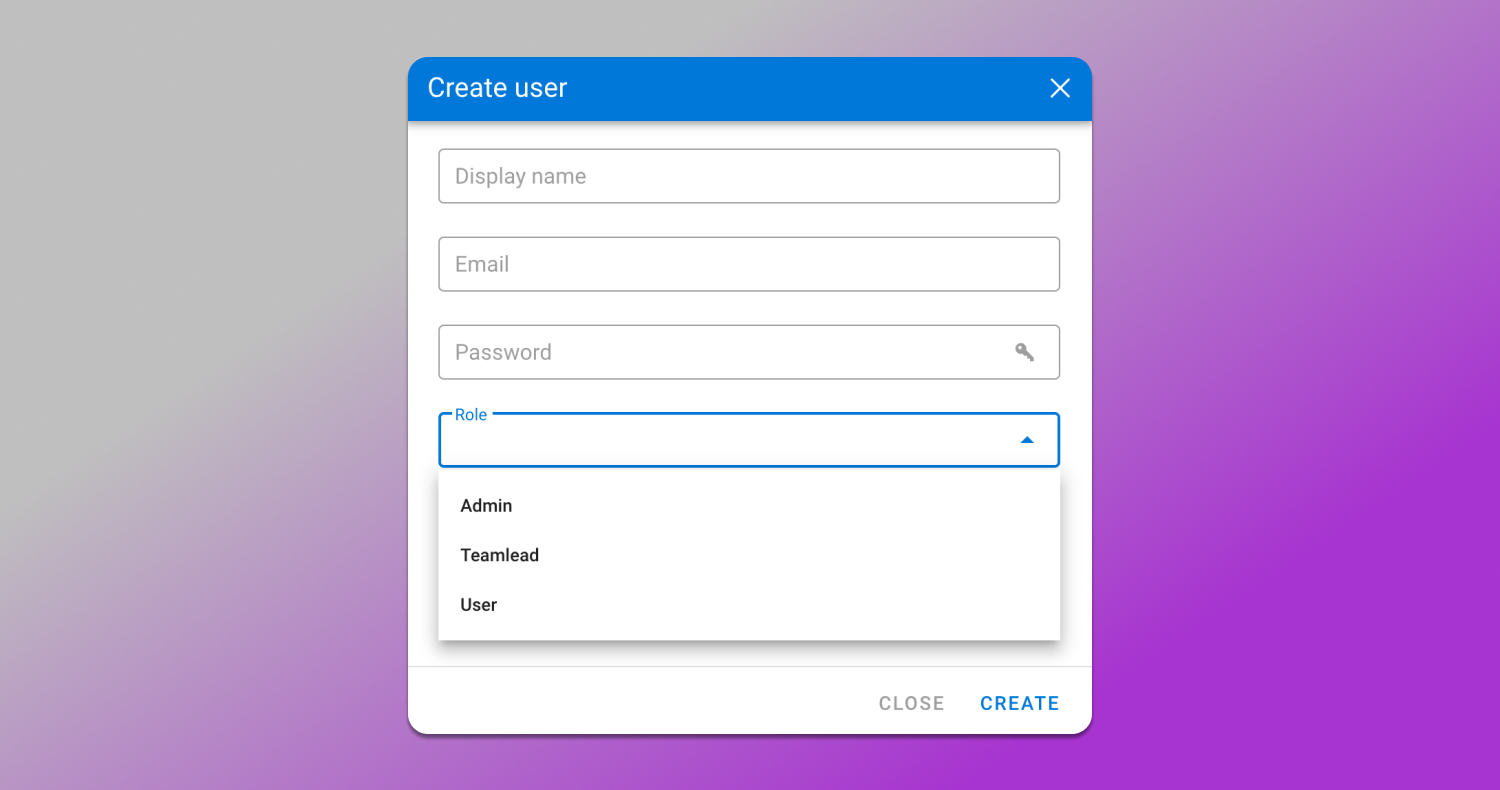
In this way, creating and managing multiple accounts in Dolphin Anty is not only safe but also convenient for daily LinkedIn operations.
Conclusion
LinkedIn is a powerful B2B tool — but only as long as you use it as a business platform rather than a personal social network. When teams multiple business lines, markets and roles come into play, multiaccounting stops being a gray-area workaround and becomes a ⚙️ logical solution for managing complexity.
In this context, the 🔥 Dolphin Anty antidetect browser is not a tool to bypass rules. It’s more an infrastructure that enables businesses to operate reliably where the platform itself is not yet designed to support them. It allows for centralized profile management, delegated access, automation of routine tasks and scaling LinkedIn operations without the constant fear of account suspensions.